10
Using the MobiLink Menus
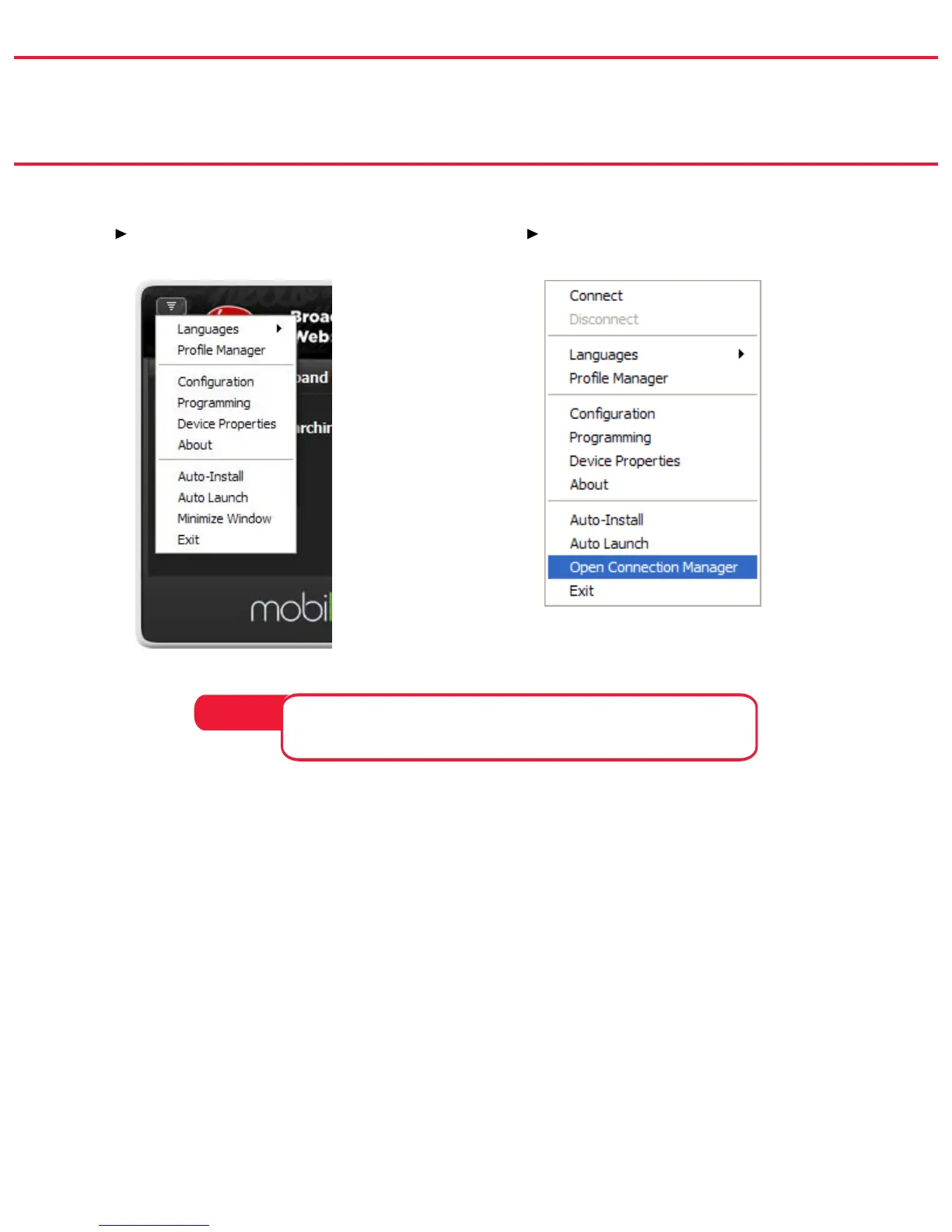
You can access the MobiLink menus in two ways.
Click the
➤ Menu button on the
Connection Manager.
Right-click the MobiLink system ➤
tray icon.
The actual menu items may vary depending on the network
technology, service provider, and mobile broadband device.
NOTE:
The Menu allows you to congure MobiLink to meet your needs. From
this menu you can do the following:
Create additional proles, including VPNs (virtual private networks) •
Set up and manage a PIN code for security •
Set the software to auto-launch whenever Windows is started •



 To Next Page