14
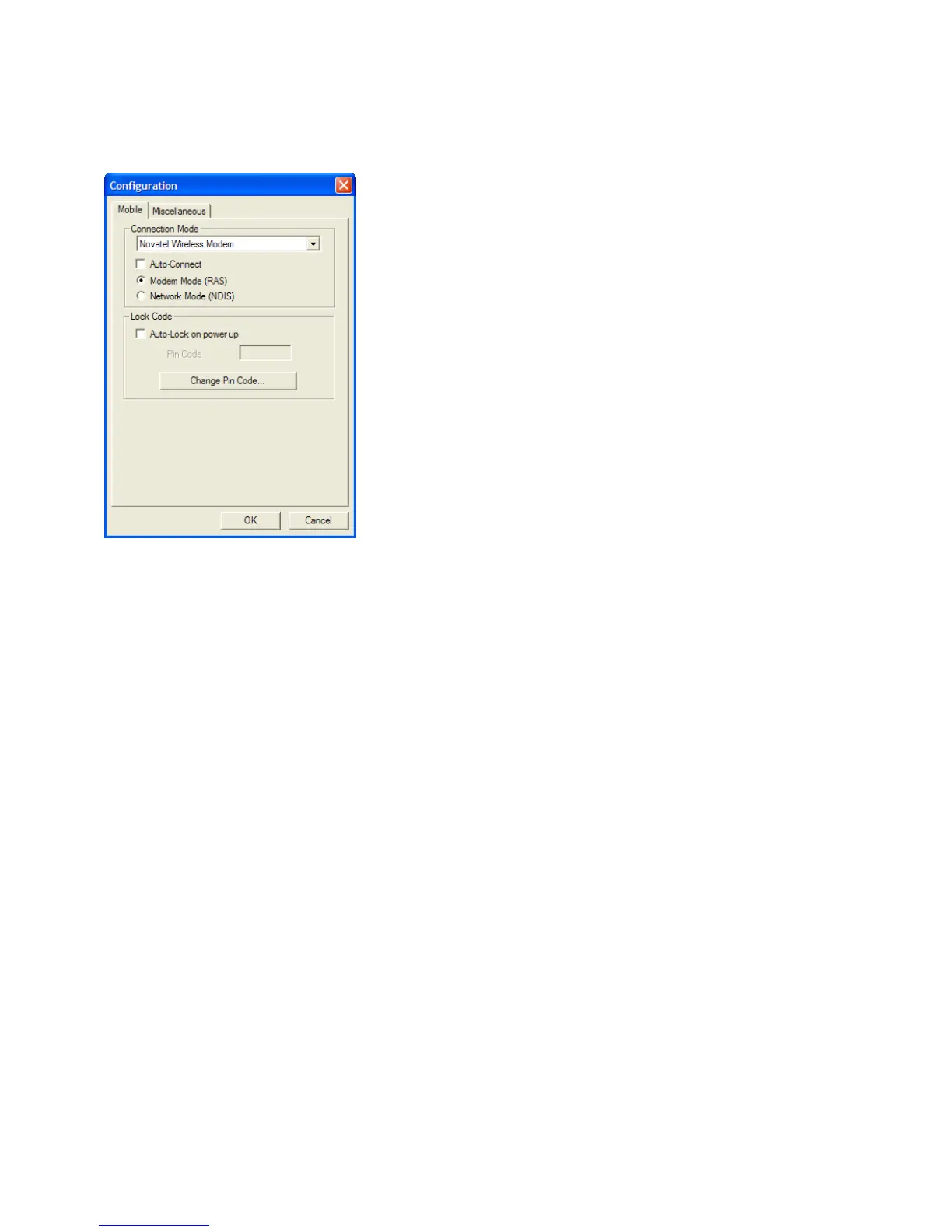
Conguration
The Conguration menu allows you to require a PIN code to access the modem.
To turn on the Lock, check the Auto-Lock on power up. The default PIN code is the
MDN that you enter when you program the device. If you forgot the MDN, you can
go to the Device Properties screen to locate it. If you changed the PIN code and
forgot what the new PIN is, please contact your service provider for assistance.



 To Next Page