13
To edit or update a prole:
You cannot edit the default prole. If you need to edit the default prole, set a
different prole as default rst.
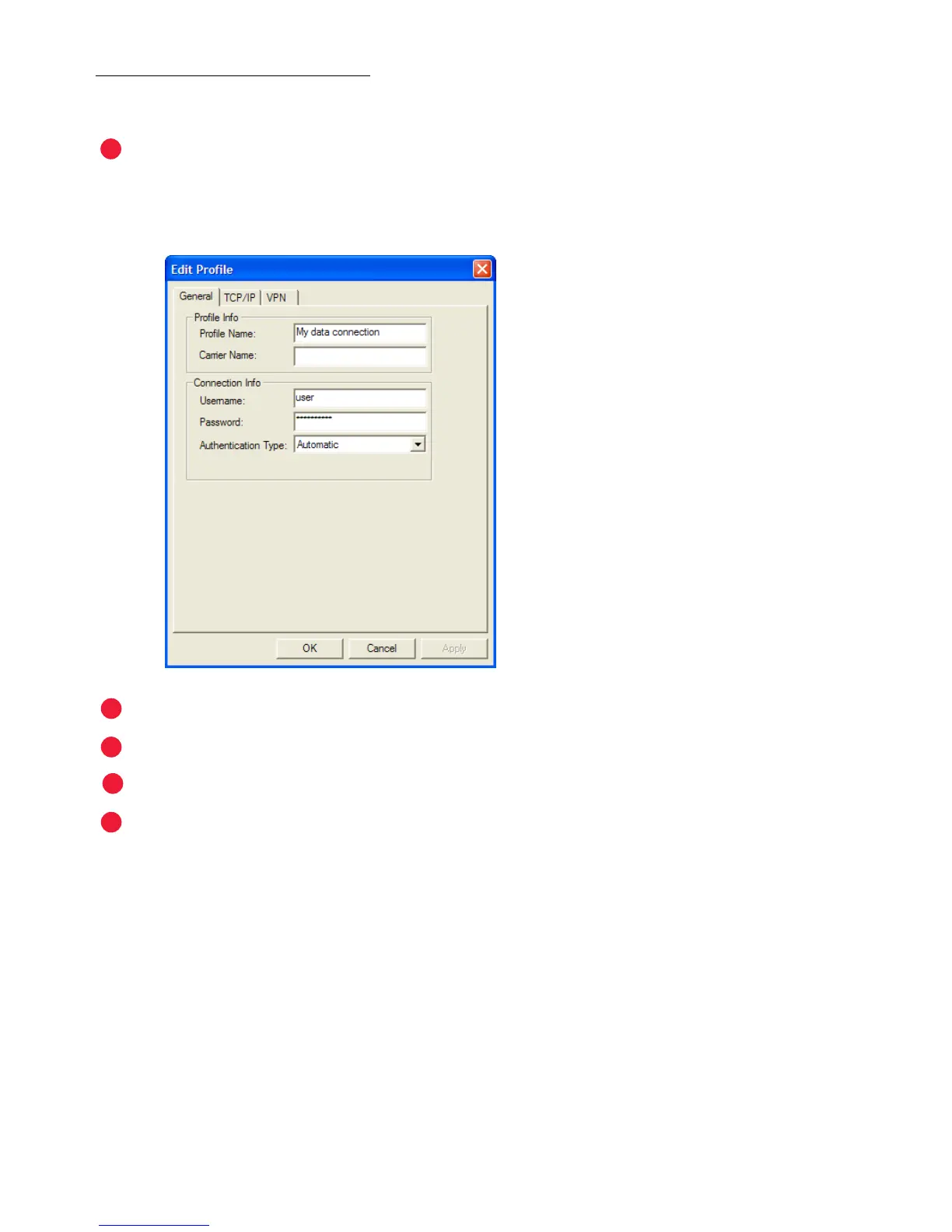
From the Prole Manager, select the prole you want to update and click Edit.
The Edit Prole – General tab will open.
Enter the appropriate information and click Apply.
Edit TCP/IP or VPN information as needed, clicking Apply on each tab.
Click OK.
If necessary, set the prole you just edited back as the default and click OK again.



 To Next Page