12
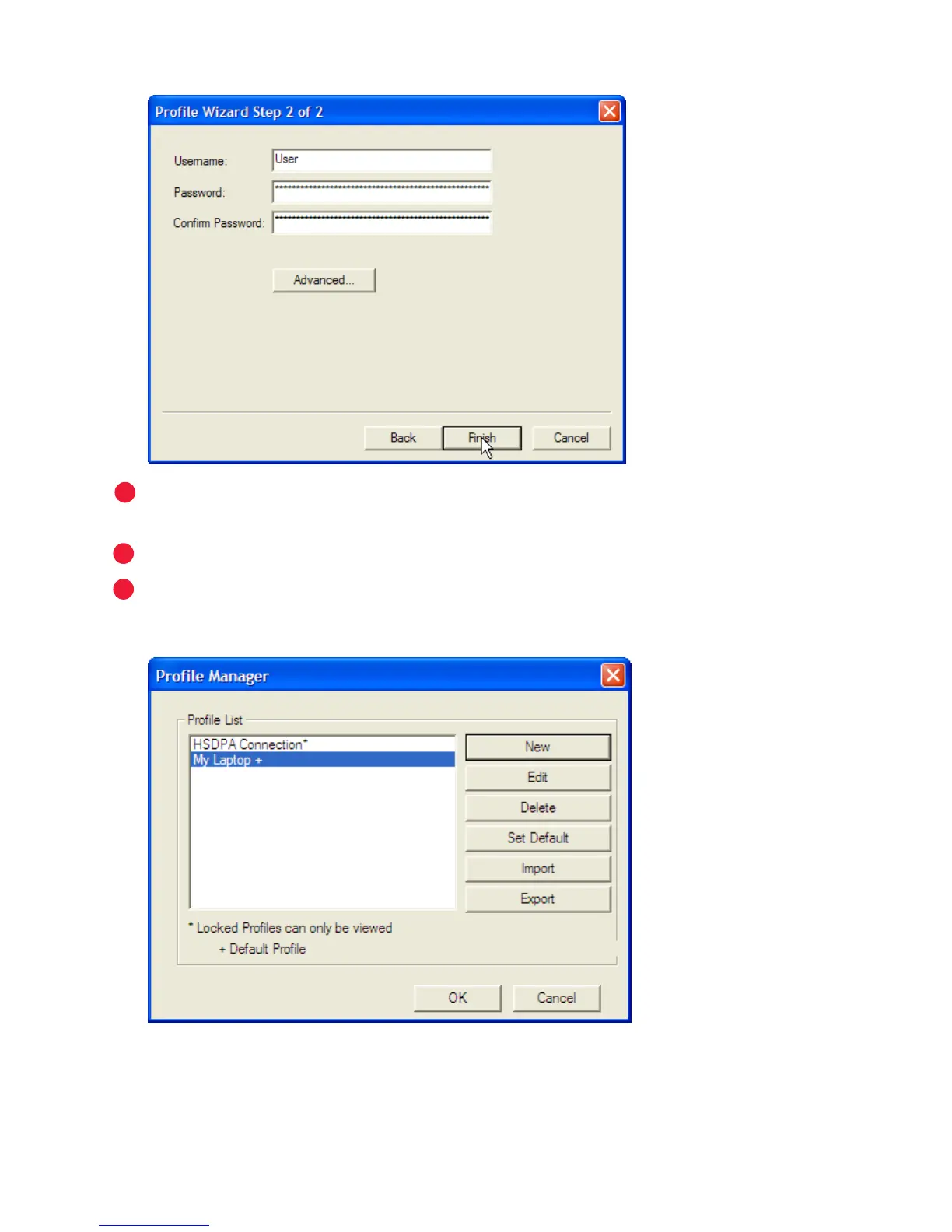
The second screen of the prole wizard will open.
If your prole is for a VPN or requires manual TCP/IP settings, click ➤
Advanced and enter the needed settings.
Enter a user name and password for this prole and click
➤ Finish.
You can make this as the default prole on the next screen. To change it
➤
afterward, on the Prole Manager screen, select your new prole and click
Set Default then OK.



 To Next Page