6
Overview
When you attach your modem the rst time, the MobiLink software is installed
automatically.
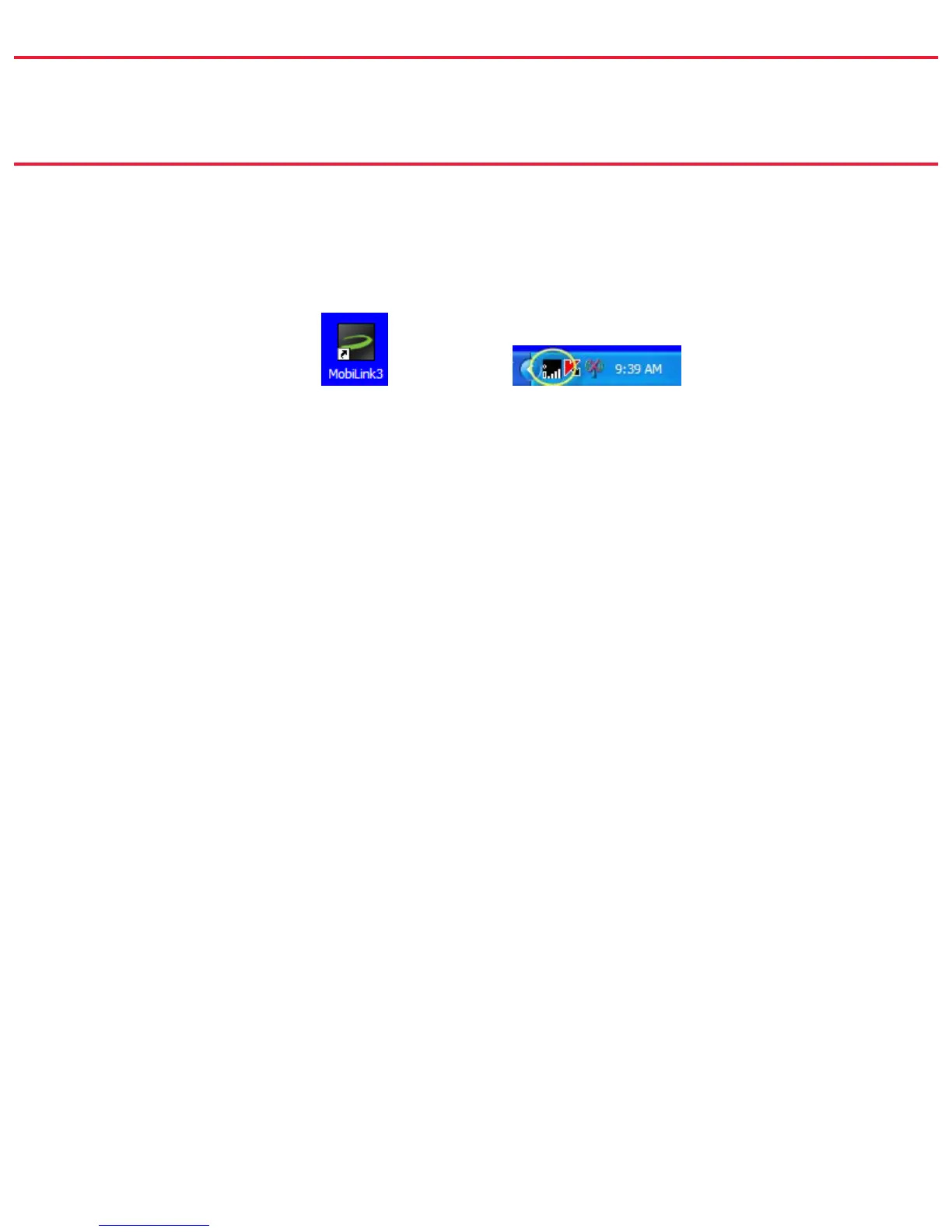
The MobiLink shortcut is placed on the desktop and an icon appears in the system
tray (Windows notication area).
The desktop shortcut launches the MobiLink software.
The system tray icon opens the Connection Manager as well as providing visual
connection status.
Both the system tray icon and the Connection Manager provide access to the
MobiLink menus, status information, and settings. You can use the one that better
suits the way you work.



 To Next Page