11
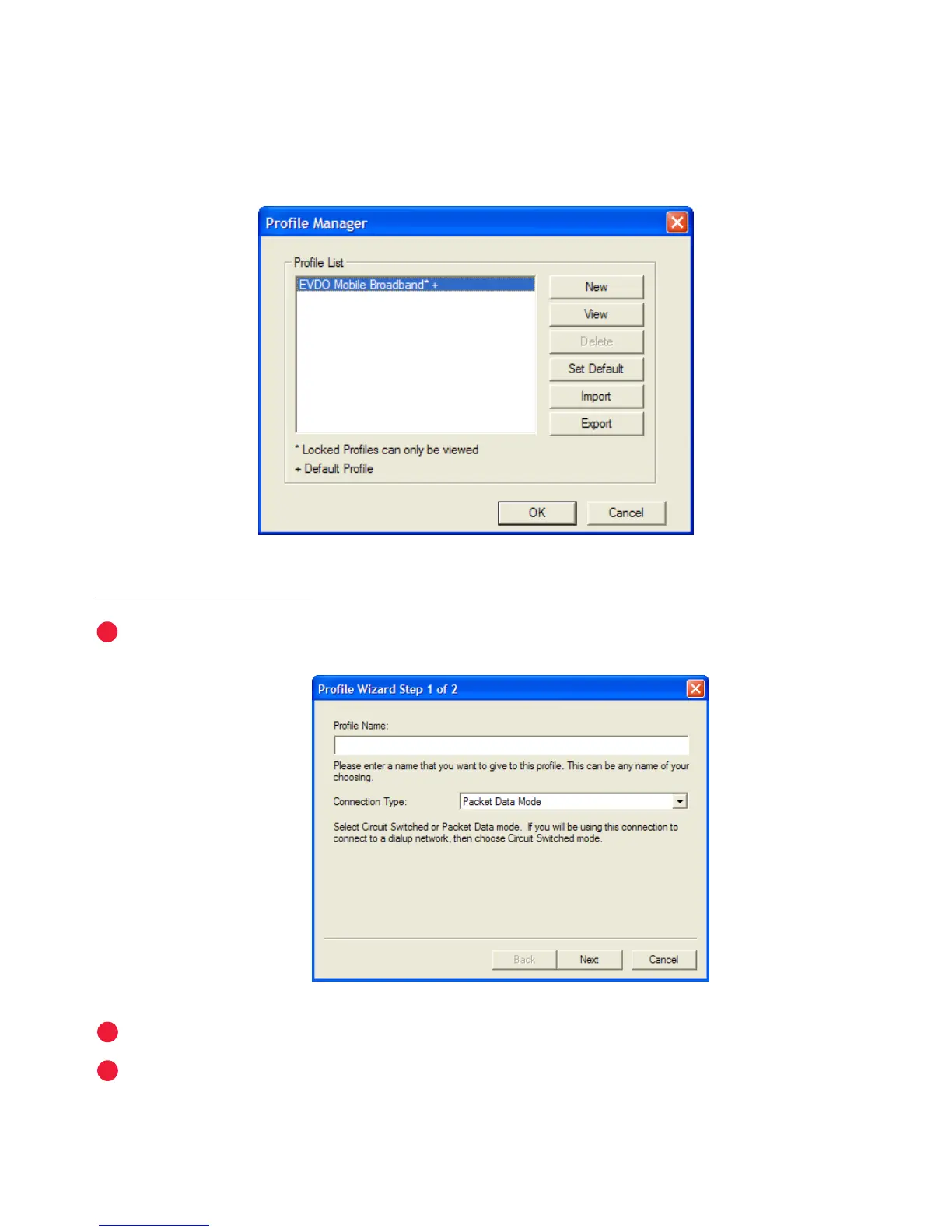
Prole Manager
The Prole Manager wizard allows you to change your network prole settings.
Here you may create new proles or update existing ones. For example, you can
create a new prole for a VPN or update an existing prole with new username or
password settings.
To add a new prole:
Click New to start the Prole Manager wizard.
Enter a simple name for the new prole (for example, My Laptop).
Click Next.



 To Next Page