18
Maintenance
Charging
To see the battery’s remaining power, refer to the LCD display on the right handlebar or press
the power button and refer to the LED display on the top of the battery.
1. Unlock the battery by turning the key counterclockwise to “Unlock”.
2. Remove the battery from the tricycle.
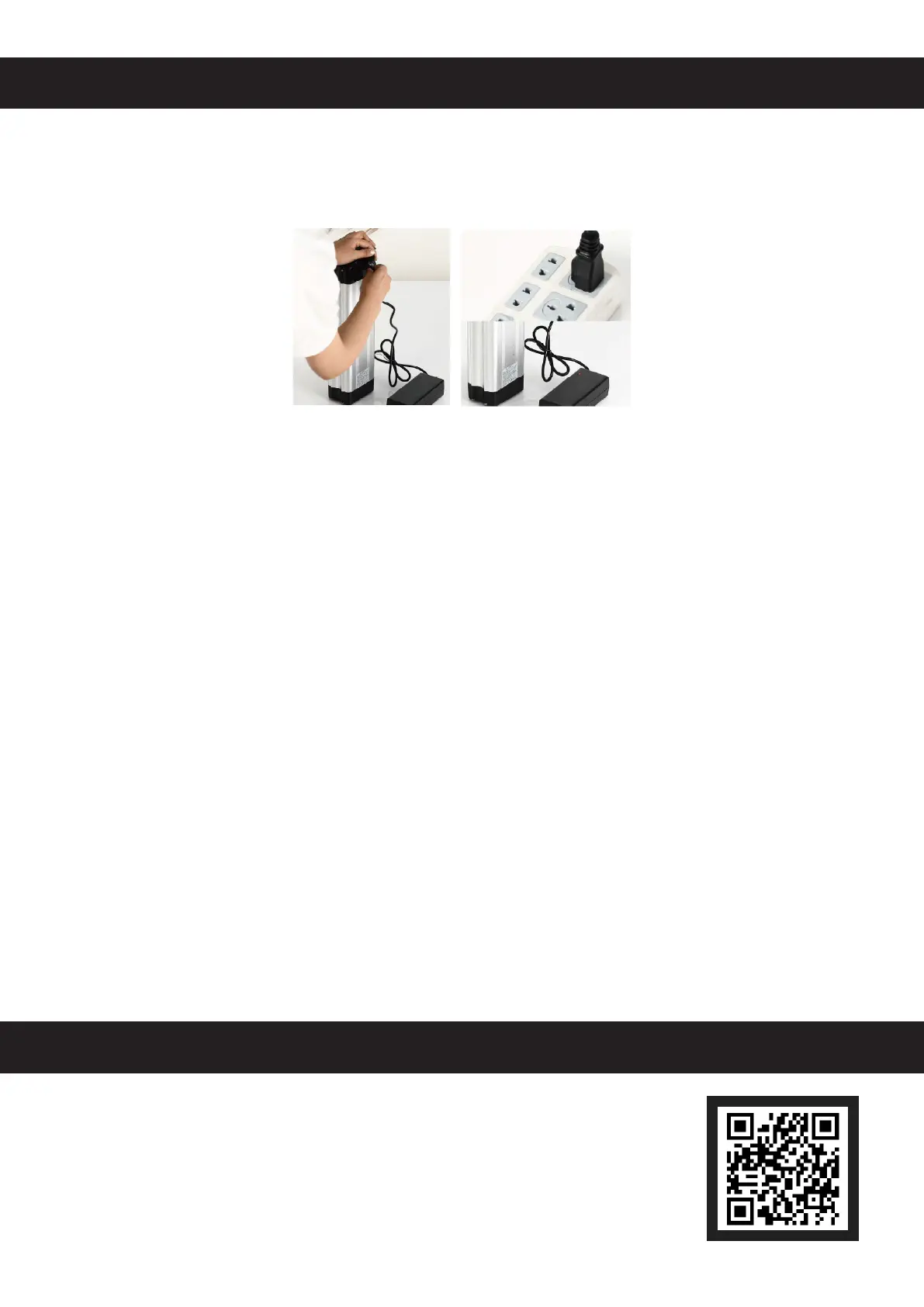
3. Connect the charger (16) to a stable compatible power source.
4. Connect the battery to the charger using the provided power cord (15). The charger’s power
indicator light should turn red and charging should begin.
5. When the light turns green, the battery has been fully charged. Disconnect the charger from
your power source rst and then remove the battery from the charger.
Miscellaneous
• Disconnect the power after each use and prior to any cleaning or other maintenance.
• Check the parts of the tricycle for any looseness, wear, or damage after use. Tighten, repair,
or replace any problematic parts before further use.
• The exterior of the tricycle can be cleaned with a soft damp cloth. Do not use abrasive or
caustic chemicals.
• Lubricate the chain and any moving part using a standard bike lubricant as needed.
• If the tricycle will not be used for an extended period of time, store in a cool dry place
inaccessible to children.
Contact Us
Thank you for choosing our products! If you have any questions or
comments, contact us at
help@cs-supportpro.com
and we'll resolve your
issue ASAP!
For a .pdf copy of the latest version of these instructions, use the
appropriate app on your smartphone to scan the QR code to the right.


 To Next Page