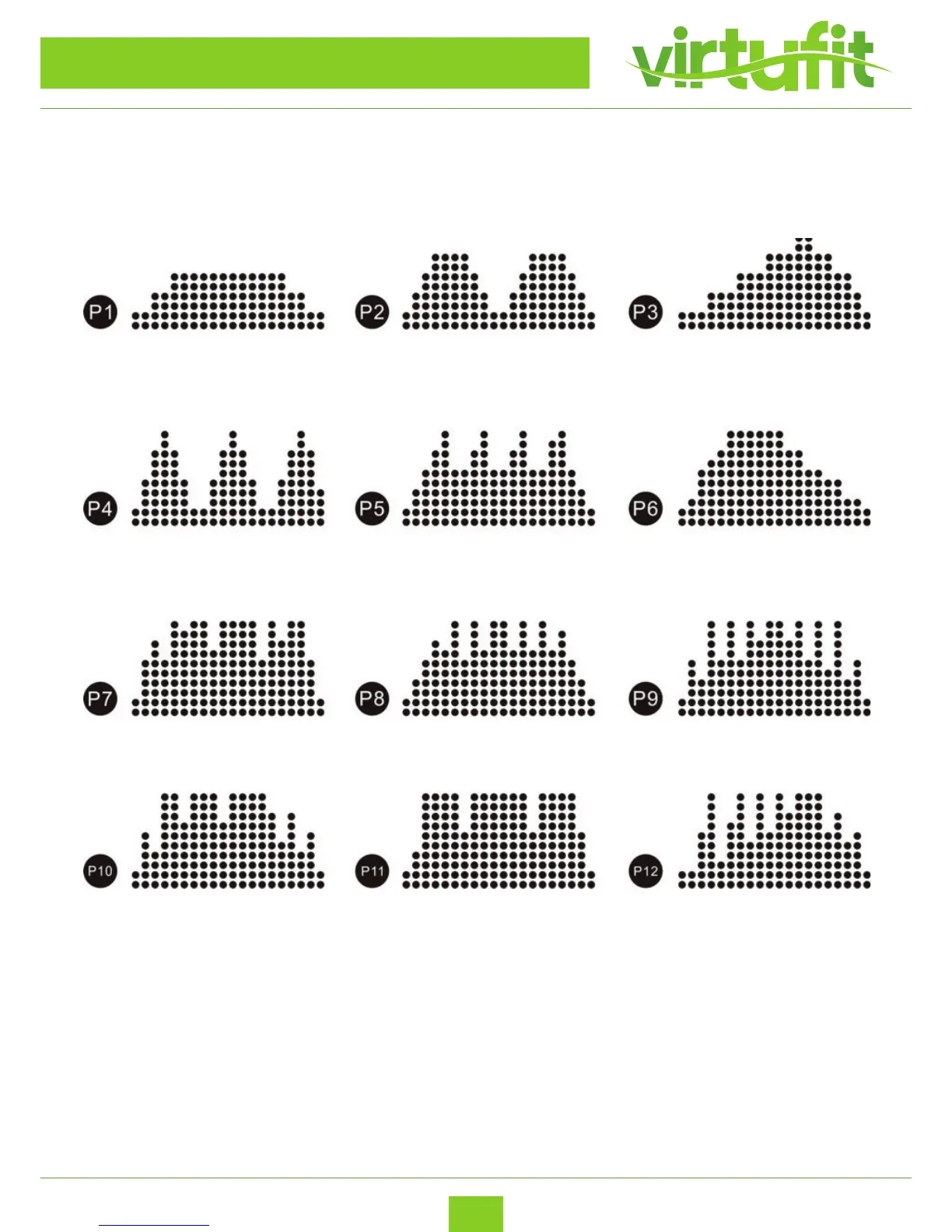
Display monitor has 12 programs from P1-P12. While on standby mode, press “PROG” to set the programs
then press “START” to start the machine. For example, after activating the treadmill, press “PROG”
immediately to enter the programs. Or press “STOP” 2 times to get in to standby mode.
While the machine is in use and running, during the auto programs the (-) and (+) keys are not available.
If you want to stop the auto programs, select “STOP” or remove the safety key, then turn on again or palce
safety key back on. Then select desired speed.
For emergency stop, please pull out the safety key. The machine will stop very slowly. Pull out safety key and
the screen will show “Err”, put it back and on it will show “OFF”.
Press “STOP” key to stop the machine after using.
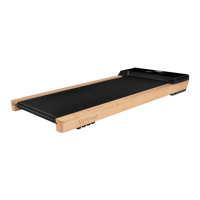
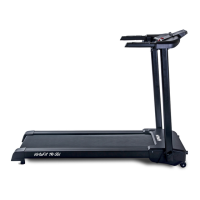
VirtuFit Totally Foldable TR-50i
CONTROL PANEL & OPERATING INSTRUCTIONS
ENG


 To Next Page