ANDROID APP
1. App installation for Android users:
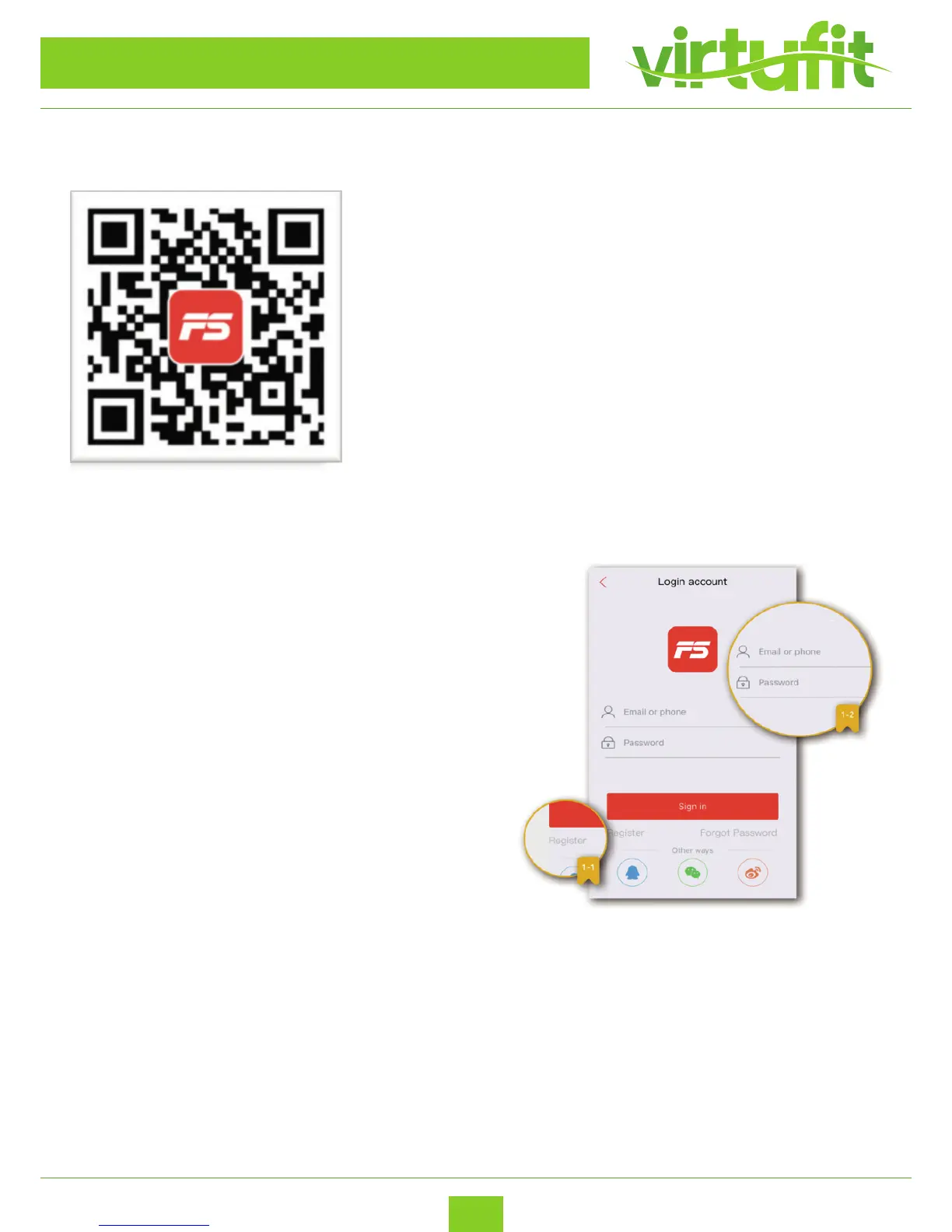
Scan the QR barcode to directly locate FitShow in the App Store on
your device.
Note: In order to scan the QR Code, you must rst download the QR
reader app on your device. Available in both Apple Store & Google
Play Store.
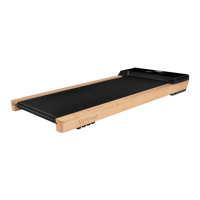
2. Creat a username and password
For rst time users, you must sign up for a username and pass-
word in order to save your personal workout history. If you’ve
already registered, please enter your surename and password to
login.
Please register with an email address or phone number then
select a username and password for your FitShow account.
VirtuFit Totally Foldable TR-50i
ENG


 To Next Page