Using the Display and Keys
Front Panel Keys
VT300 User’s Guide, Rev. A4 20 Doc # UM-VT300-EN
2.2 Front Panel Keys
The keys on the VT300 front panel can serve two functions:
Performing common operations and accessing the menu.
Entering alphanumeric information.
2.2.1 Using Keys to Perform Operations
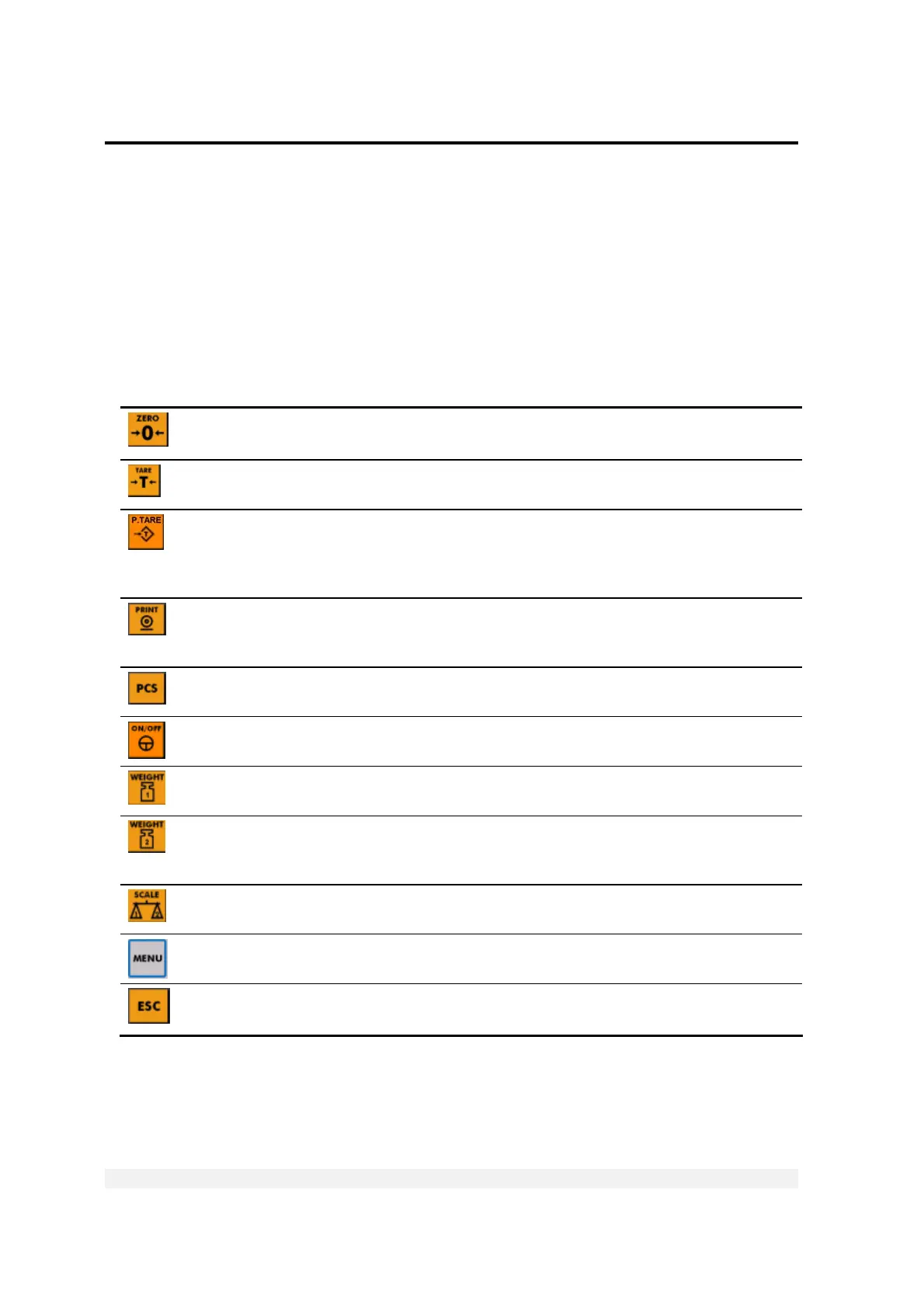
Key Description Related operations Refer to
Press to zero the scale*. Only works within the zero
range.
Manual zeroing
Chapter 3.1
Press once to tare the scale*. Press again to view
gross weight.
Taring using current
weight
Chapter 3.2
Press to enter a preset tare. Enter the tare value
using the alphanumeric keypad and press ENTER.
The display shows net weight. To cancel and view
gross weight, press ESC.
Preset tare
Chapter 3.3
When you press this key, the current weight* is
printed to the printer, output to an attached
computer, and added to the accumulated total.
Printing
Chapter 7.1
Press to switch between Weighing Mode and
Counting Mode.
Counting pieces,
weighing
Chapters 4, 6
Press to turn the indicator on, or to switch it off
when it is running.
Starting the indicator
Press to perform a first weighing of a vehicle with
unknown tare.
Weighing, printing
Chapter 5.1.2
Press to weigh a vehicle with known tare, or to
perform a second weighing of a vehicle with
unknown tare.
Weighing, printing
Chapter 5
Toggles between scale 1, scale 2 and the sum of both scales (if two scales are
connected to the indicator).
Enters the menu. The arrows around this button allow you to navigate the
menu
Chapter 2.3
Cancels the current operation, exits a menu or exits a mode.
* If the scale is not stable, the current weight cannot be used for this operation.



 To Previous Page