Need help?
Do you have a question about the vision microsystems VM 1000 and is the answer not in the manual?
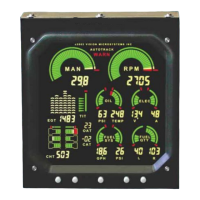
Shows fuel pressure digitally and graphically for monitoring engine behavior.
Displays fuel flow digitally and graphically with tenth-gallon resolution.
Covers Fuel Pressure Alert and Low Fuel Remaining Alert.
Offers Absolute EGT and Relative EGT views for engine diagnostics.
Shows individual EGT and CHT temperatures with probe identification.
Provides guidance on when to activate Autotrack during different flight phases.
Details the steps to stabilize and arm the Autotrack system for monitoring.
Explains how deviations trigger alerts and how to interpret them.
 General
| Brand | vision microsystems |
|---|---|
| Model | VM 1000 |
| Category | Measuring Instruments |
| Language | English |


 To Next Page