RENAME BLUETOOTH
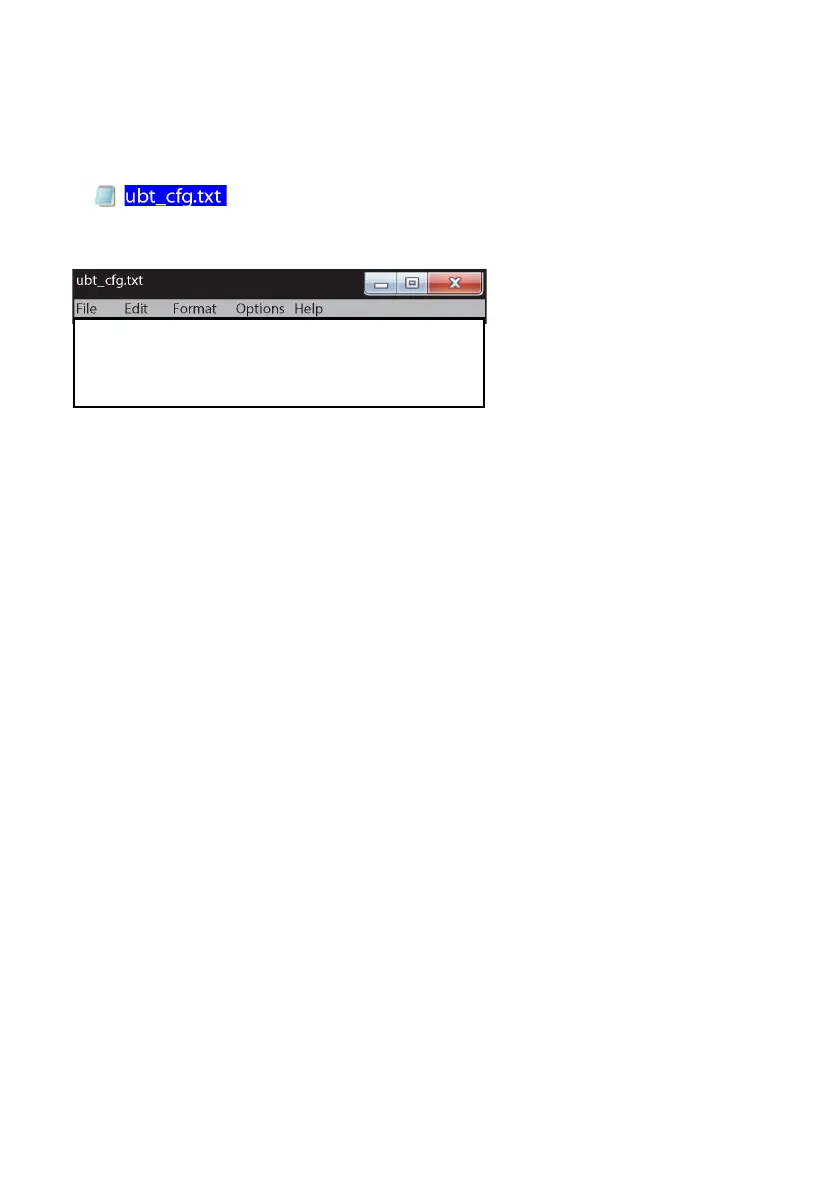
1. Create a plain text file on PC named ubt_cfg.txt and put it in the root directory of a USB thumb
drive
2. Open the file and copy this content:
RS UDISK FOR CONFIG SETTING:
BT_NAME:SB-1900P_1822 Room
PIN_CODE:5678
#
Note: Only the red text is editable. The maximum length is 32 characters.
If the pin is left blank, or if an alphabetical character is used it will be regarded as no pin.
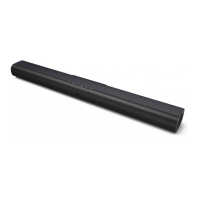
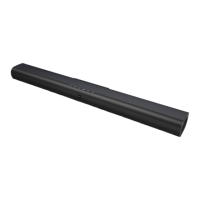
3. Unplug power from the soundbar
4. Press and hold EQ button
5. Plug power in. All source LEDs will flash 2 times to indicate BT rename mode
6. Insert USB thumb drive. It will automatically update the name;
To confirm name update the BT input LED will flash slowly 1 time
To confirm name and pin update the BT input LED will flash 3 times


 To Next Page