Vision Engravers and Routers Installation Guide16
© 2015 Vision Engraving & Routing Systems
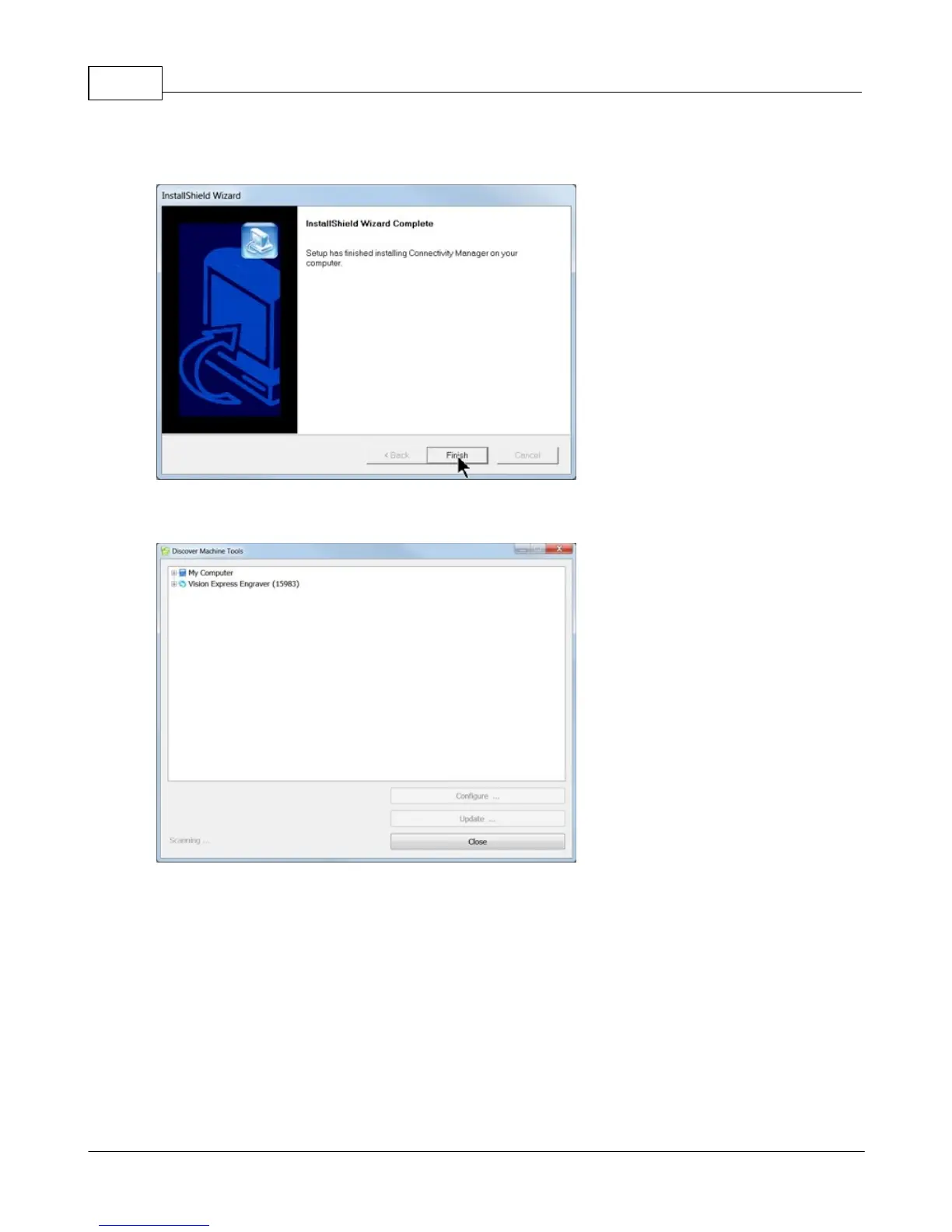
When the software is installed, select Finish.
The Connectivity Manager will search for available Vision devices.
The configuration is complete at this point. Close the Machine Tools Discovery window and return to
the Main Installation Screen to proceed with the Vision software installation in the next section.



 To Next Page