Introduction 5
© 2015 Vision Engraving & Routing Systems
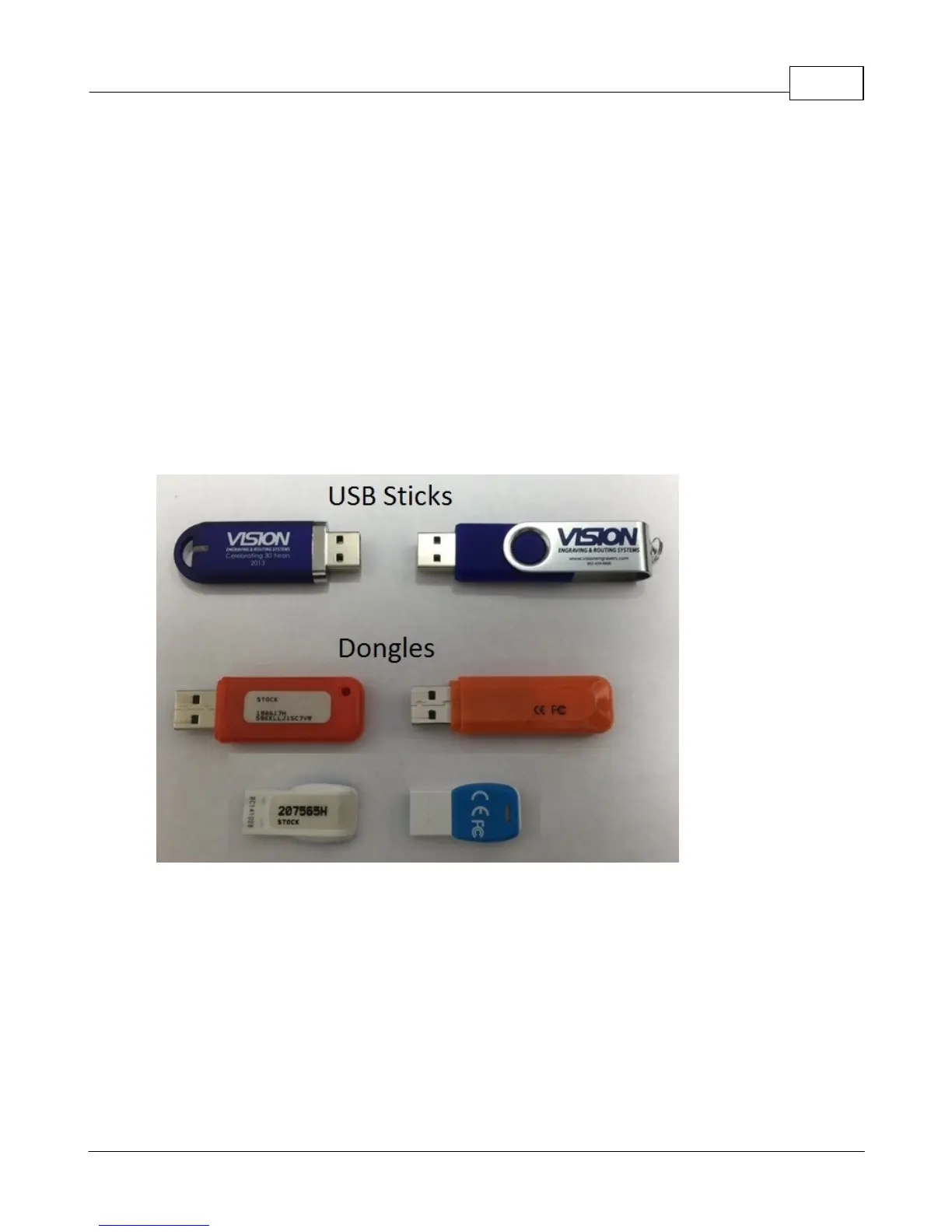
To begin installation, locate the White/Blue Dongle or Orange
Dongle or USB Stick included with your machine in the
Accessories Box
Important Note:
The Vision software is available in two versions; one with a dongle, and one
that is "dongle-less" and is loaded on to a USB Memory stick.
If your machine was delivered with, or you currently have the white/blue or
orange software dongle, DO NOT LOSE IT!
The Vision software will NOT run without the dongle plugged into the
computer.



 To Next Page