8
TC3-AMP_manual_en
PROGRAMME MEMORY
By default power is turned on the amplifier resumes last input and volume level.
To change this so that it always comes on at a fixed input and volume level:
1. With amplifier in standby, press and hold the rotary dial for 10 seconds. Keep holding it
down.
2. After 10 seconds the Input LEDs will flash alternately. Release the dial when the Input 2
LED is on.
3. Select input and set volume. Long-press the rotary dial to set amp to standby. This will save
the settings to memory.
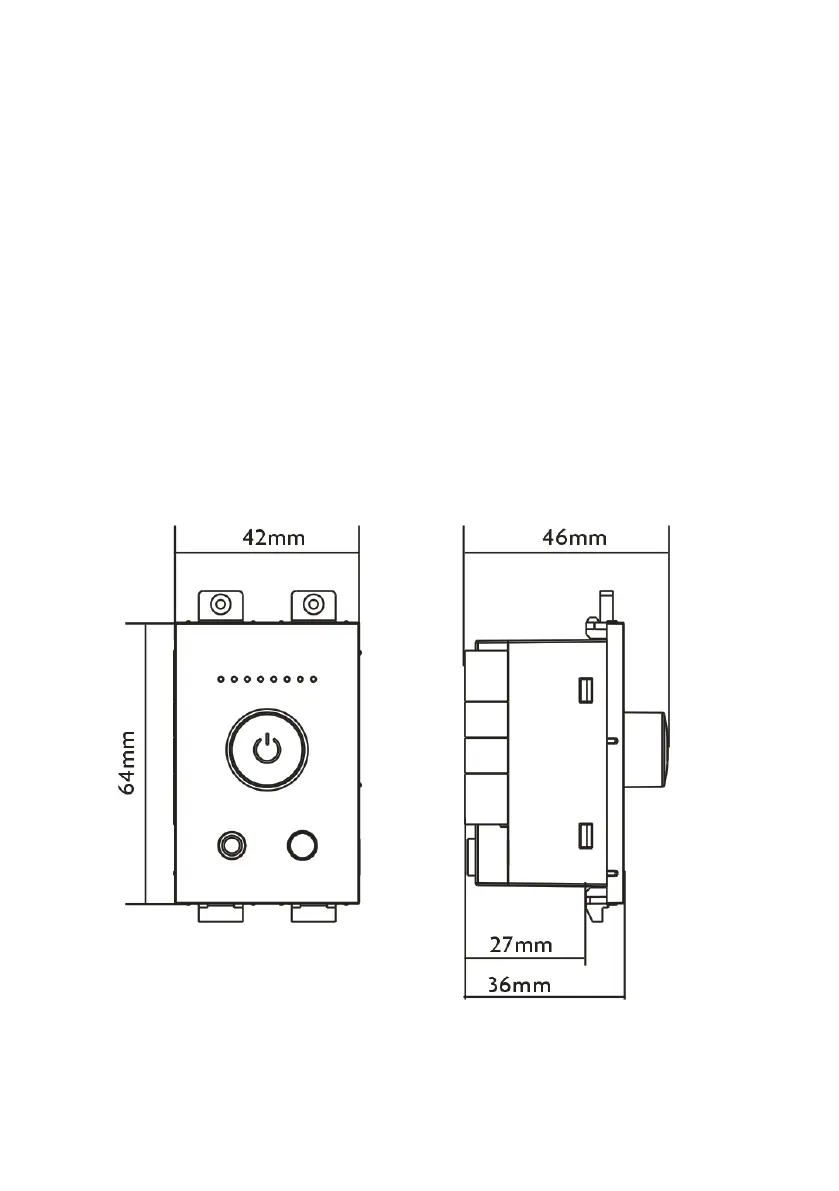
DIMENSIONS


 To Next Page