10
Connecting Systems
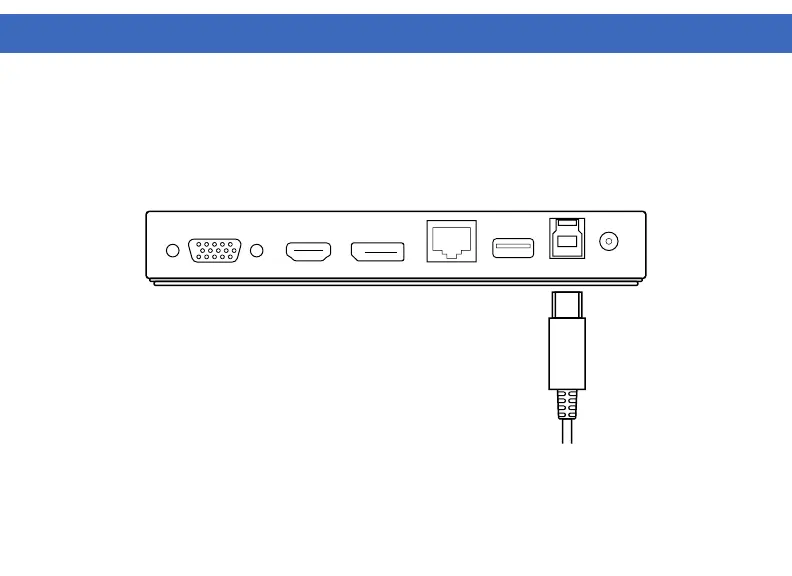
1. Connect the included USB-B to USB-A cable to the USB-B Host port on the back of the dock. Connect the
other end to your host laptop, PC.
2. The VT1000 / VT1100 adds DP, HDMI and VGA outputs to your system.
Resolutions up to 1440p @ 60Hz are supported depending on monitors connected.
DOCKING STATION SETUP (Continued)



 To Next Page