8
Step 1
The following section shows you how to install the Docking Station software on dierent
operating systems.
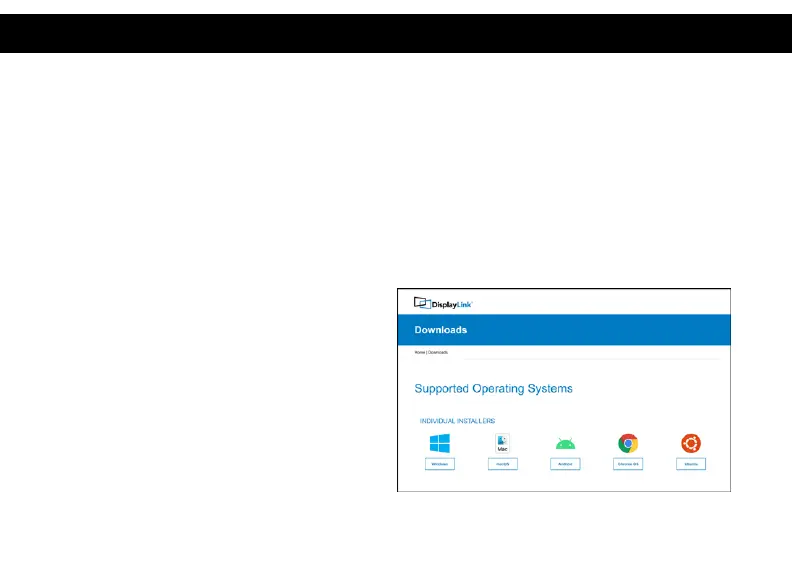
Download and install the latest Displaylink software. Select the driver according to your operating
system.
Please visit displaylink.com/downloads and download the latest drivers. Displaylink-provided
drivers are always compatible with the USB Docking Station.
Step2
Select the downloaded le double click to begin
the DisplayLink software installer
Step3
Once the installer begins a window will pop up
and verify that your system is compatible with
DisplayLink USB Graphics.
DRIVER INSTALLATION (Windows)



 To Next Page