3 User Controls/Connections
Page 9 of 33
User Controls/Connections
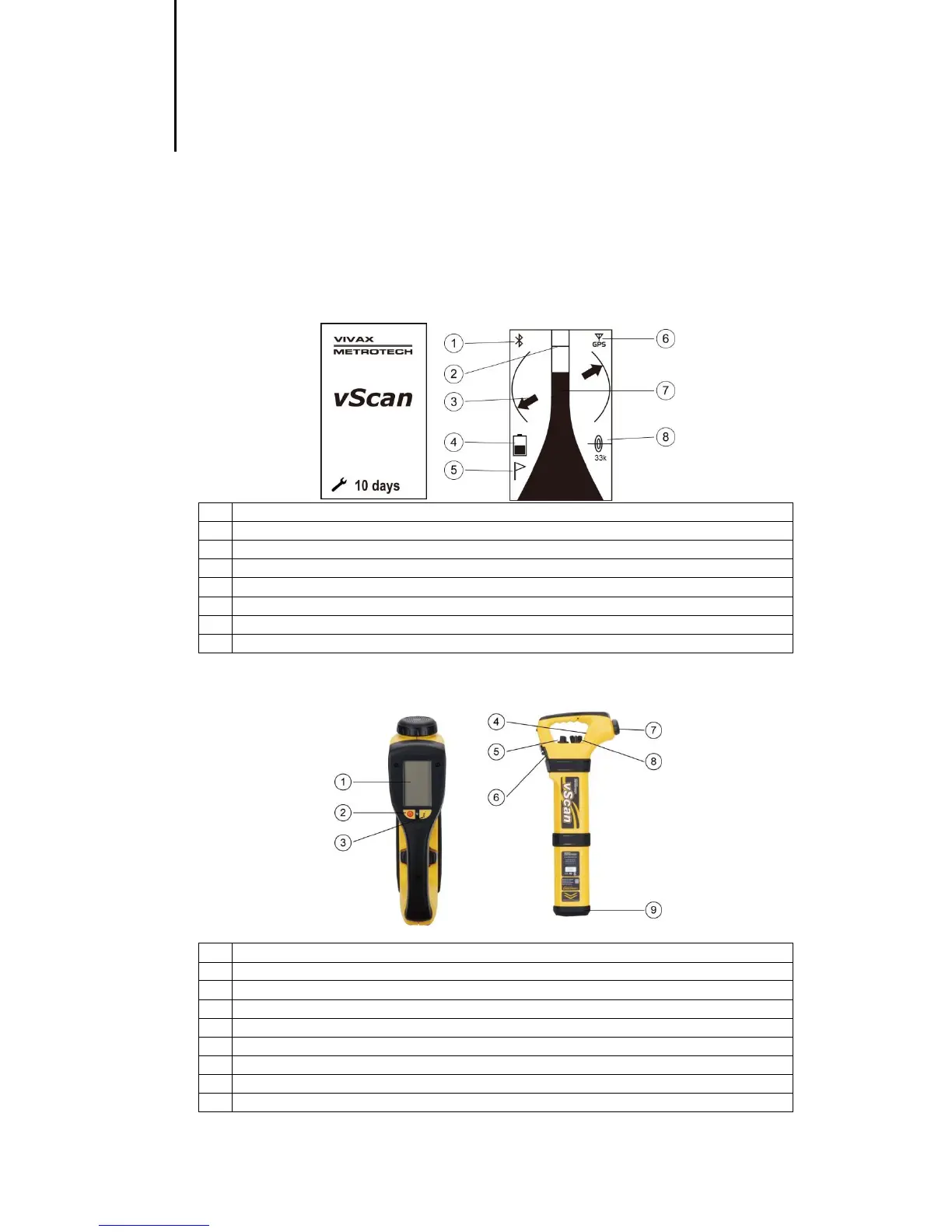
3.1 Receiver
3.1.1 Display
The display has a dot matrix format. The contents of the screen are dependent on the function being
performed. Details of these screens are revealed further in the user handbook.
Compass (line direction indicator)
Battery level indicator (also alarm indicator)
Signal strength bar graph
On/Off button. Also used to navigate in menu.
Depth/Current. Also long press enters menu option.
Fixed general purpose speaker
Mode switch. Also used to navigate menu functions
Battery compartment. Also charging and data transfer sockets
Removable headphone speaker



 To Next Page