4 Locating
Page 31 of 33
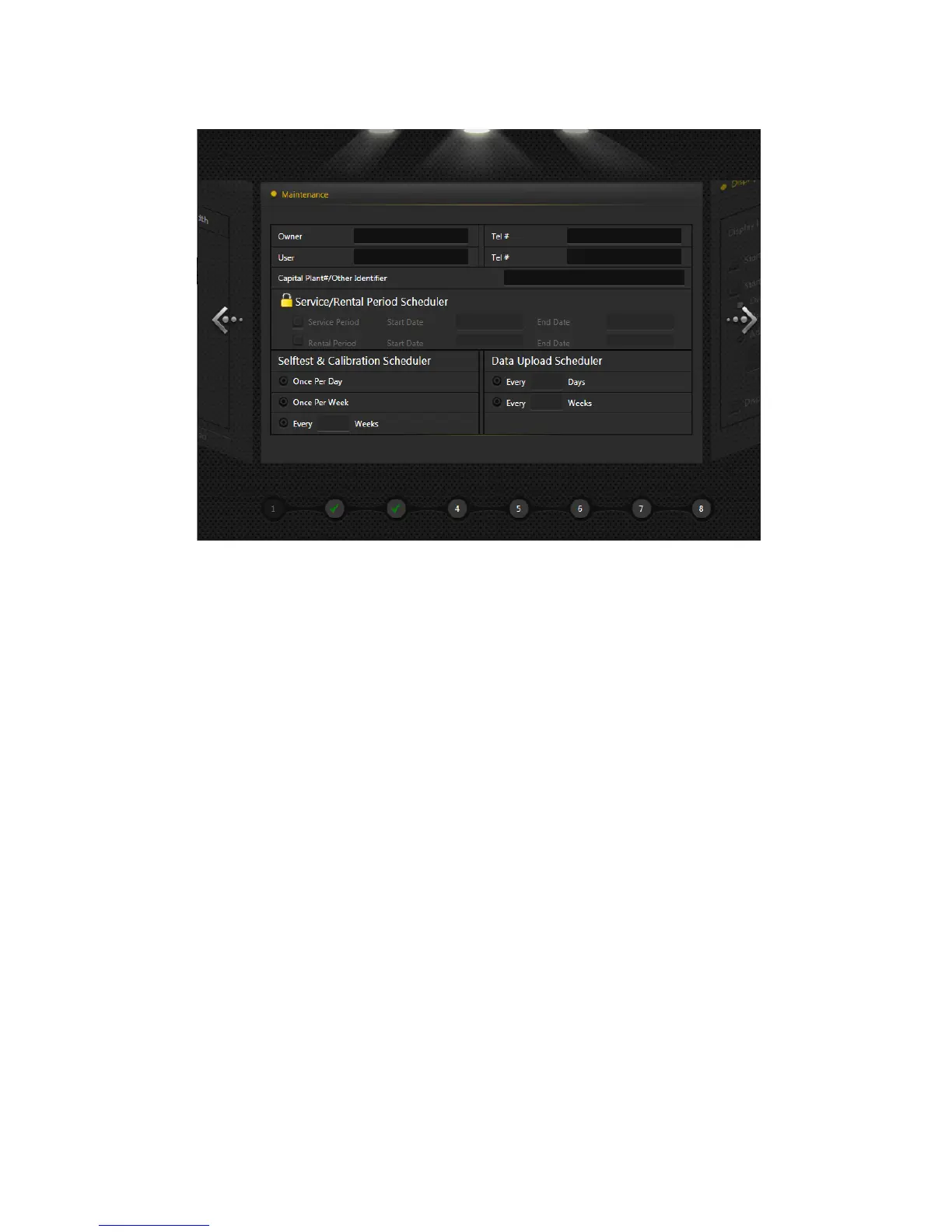
The right hand side also has some navigation aids:
The arrows to the left and right allow you to navigate to the next or previous screen.
The numbers and ticks along the bottom indicate how many pages are associated with the area and how
many have been visited.
Follow the on-screen instructions and make selections as necessary.
MyvScan is under continual development, therefore screens and instructions may change from time to time.


 To Next Page