18
2.Remote control——RF remote control / IR remote control
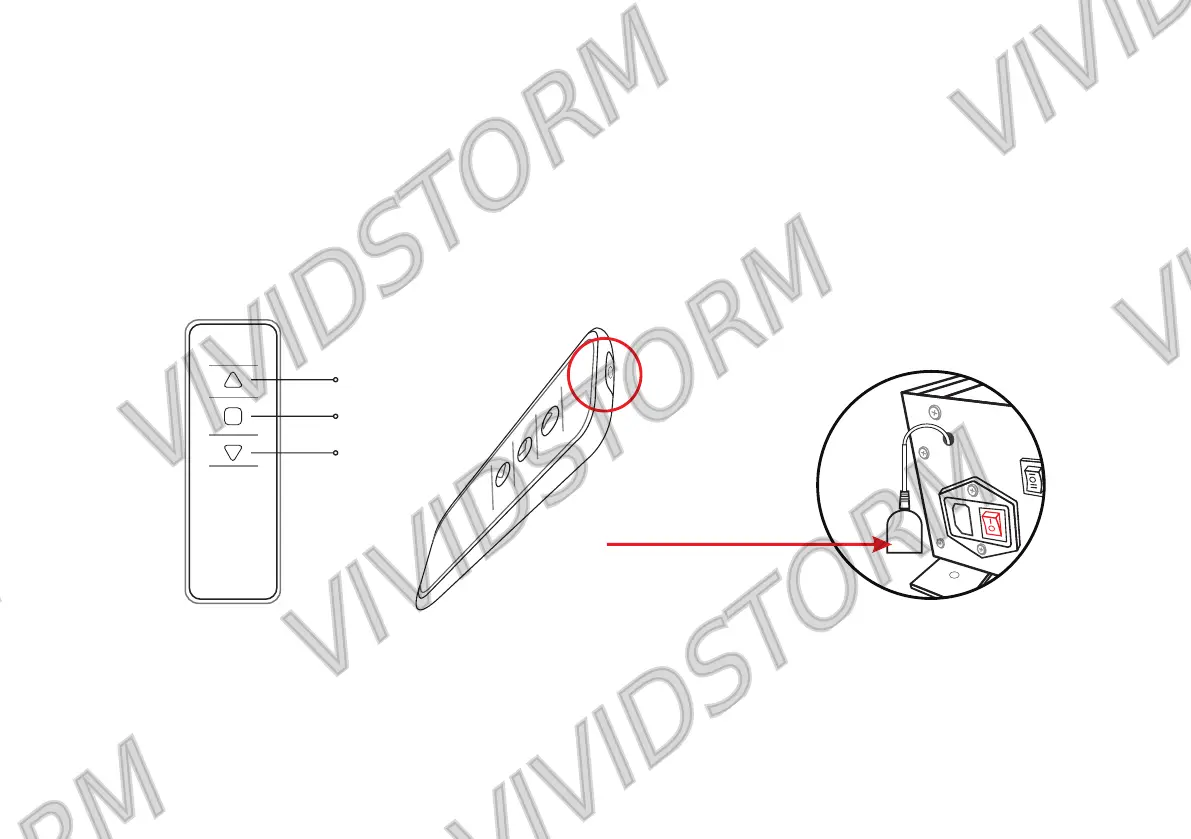
(2) IR remote control needs to be connected with the IR receiver. When using IR remote control, make sure that
the power switch is turned on and aligned with the IR receiver head, so that the IR remote control can operate
normally.(Unlike the wireless remote control, the back of the infrared remote control is black, and there is an
infrared signal lamp on the top)
(1) Wireless RF remote control: when the screen is hidden and installed in the slot or requires remote control,
wireless remote control can be used. It can control the screen without aiming at the IR receiver.
Front of remote control Perspective view of infrared
remote control
When using, please aim
at the IR receiver
IR receiver
Up
Stop
Down


 To Next Page