23
If the adjustment is too high, please repeat the previous steps to adjust to the appropriate position.
(please note: it is not allowed to carry out this step directly without adjusting too low)
(1) Please press the "up" button on the remote control, and the screen will rise to the highest point.
If the height adjustment of the black border of the screen is too low, please follow the following steps:
(2) Insert the debugging rod into the adjusting hole on the lower left side of the housing, and then rotate it several
times in a counter clockwise direction . Then press (rotate one circle and adjust the screen height about 2cm)
the "up" key, the screen will rise to the adjusted height, that is, stop operation. Please pay attention to control
the height, do not exceed the original highest point, do not rotate too much, otherwise the screen will reverse
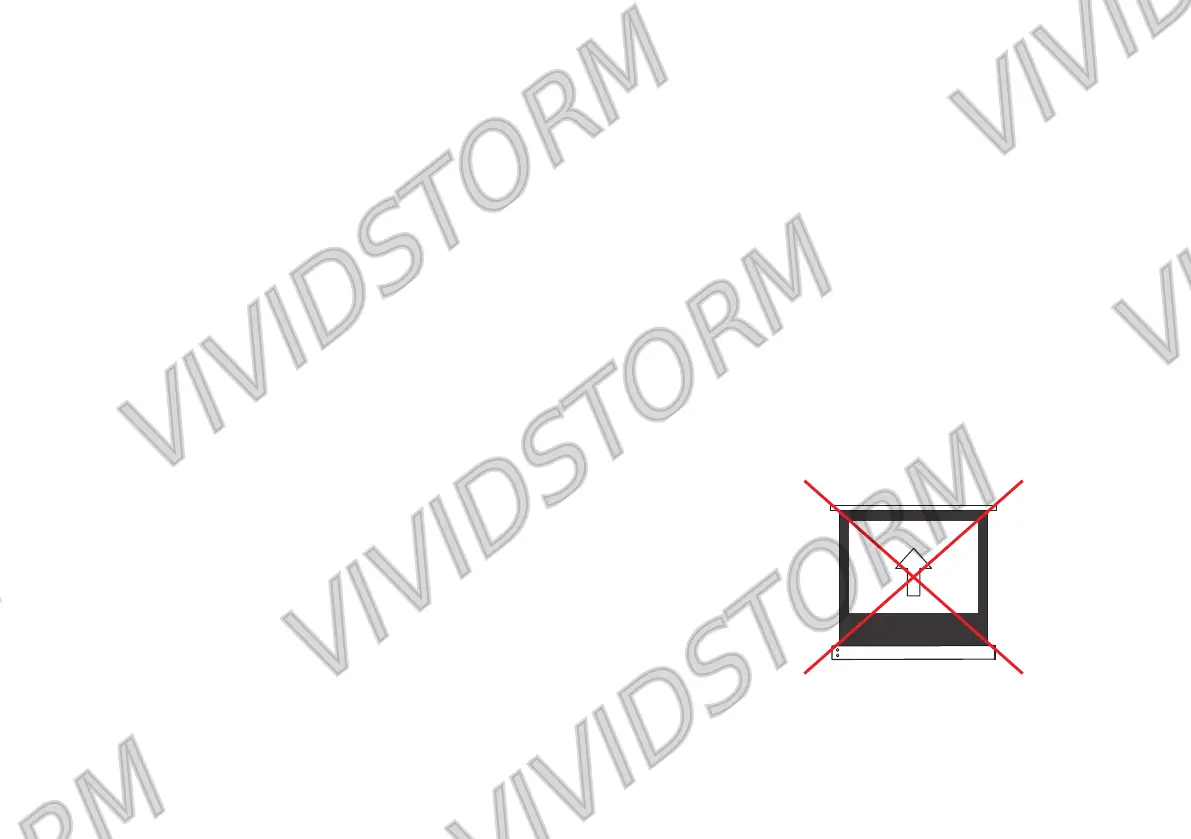
and cause screen damage.(Please refer to the legend on the right )
Black border up(Only applicable after the black border is adjusted too low)
Notice:
Thehighestpositionofthescreenhasbeensetatthefactory,no
higherheightcanbeadjusted.
Donotadjusttoolowortoohighatonetime.Wesuggestthatyou
adjustthescreenalittlebit.


 To Next Page