11
4. Software layout & Editing files
Software layout:
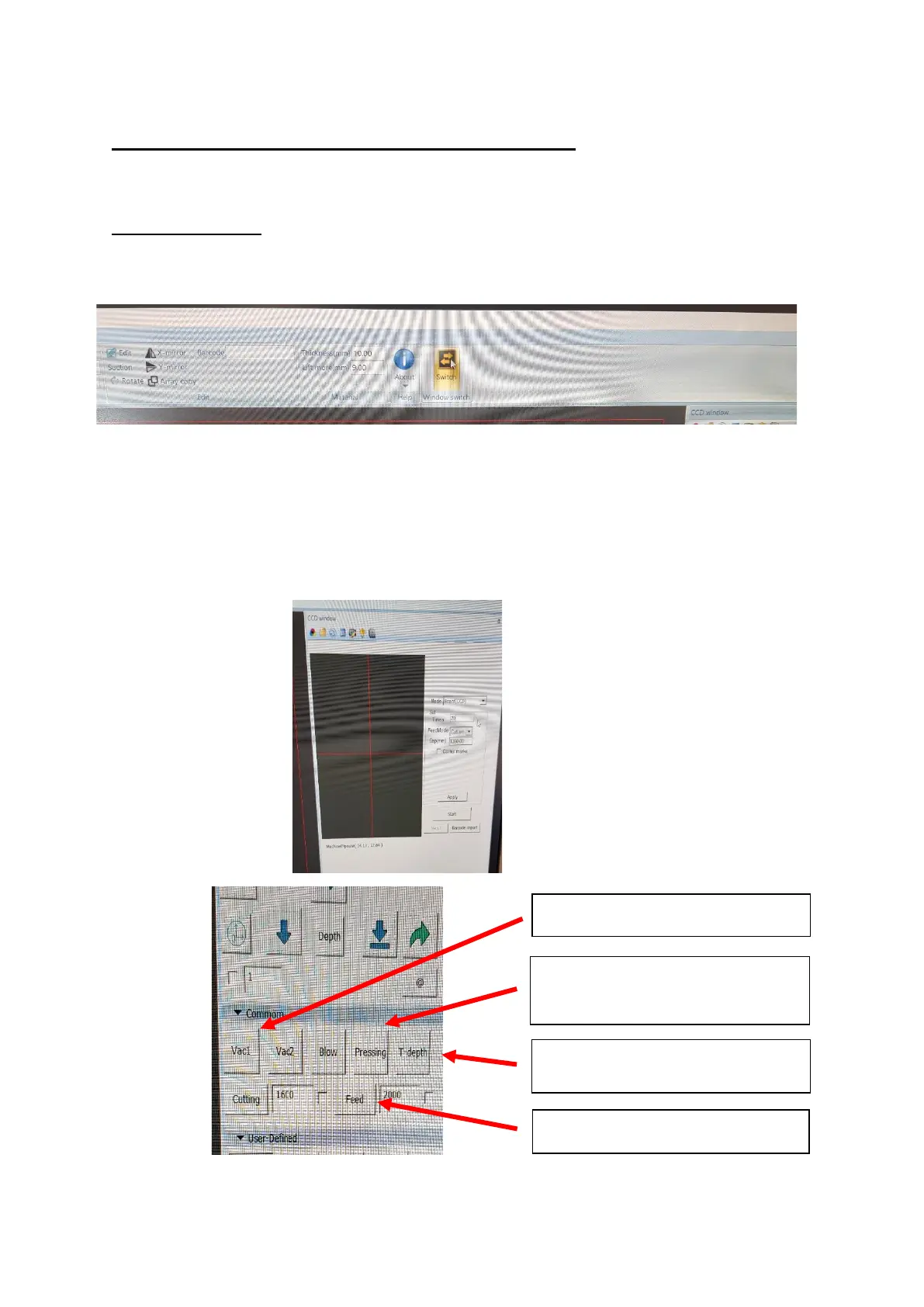
Switch Button – to switch between CCD window and Debug view [Figure 4.1]
CCD Window is used to select the mode you require and mainly for Camera
operation [Roll CCD and Board CCD]. See figure 4.2.
Debug View is used for manual controls, choosing the tools to use, test depth
[t-depth] and blade depth. See figure 4.3


 To Next Page