12
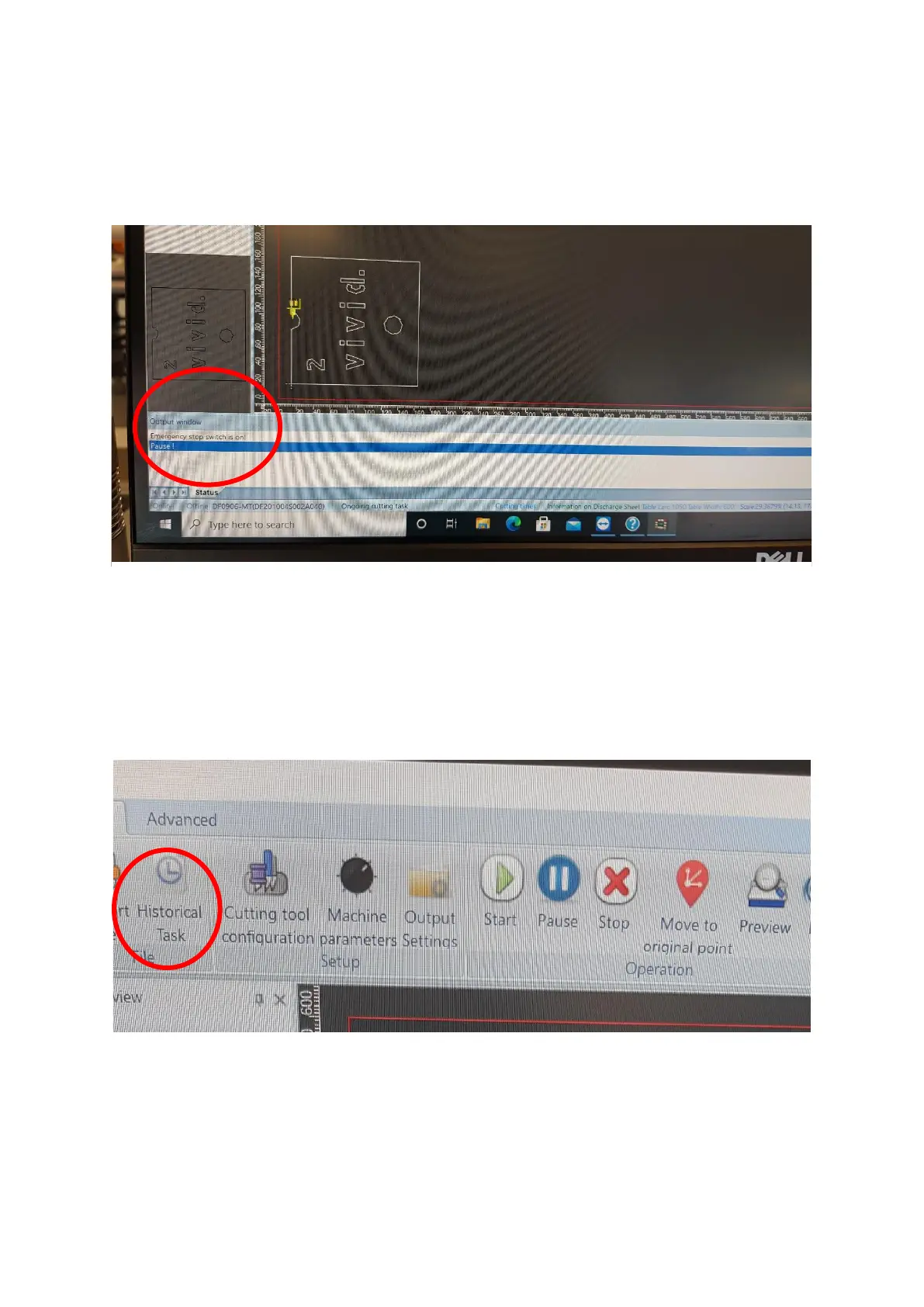
At the bottom of the screen is the Output window [Figure 4.4], this gives the
information of any errors, if the machine is in run/pause mode and or if the
emergency stop buttons are pressed.
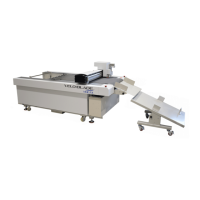
The Historic tasks button on the top left of the screen [Figure 4.5], saves
previous cut files that have been used. When restoring a file, right click the file
and press restore. Please note these files cannot be edited and can only be
used in Direct cut mode.


 To Next Page