Using the arrow keys on the keyboard move the camera over the first
registration mark numbered 1 on the screen, see Figure 3.9 bottom left corner.
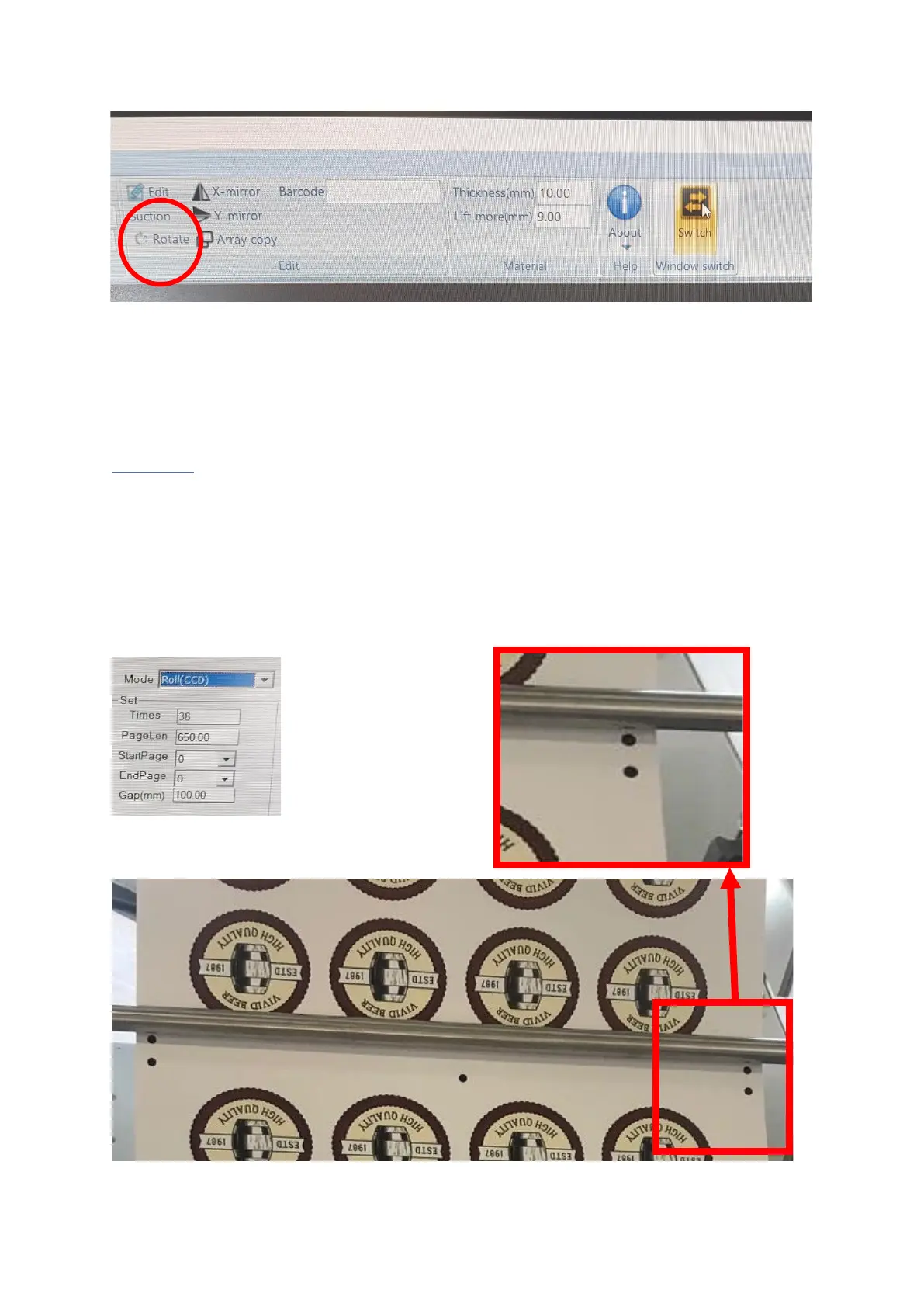
Once in position, press the switch button and press start in the CCD window.
Roll CCD: Select Roll CDD from the drop down mode in CCD Window [Figure
6.4], Select how many you’ve printed that require cutting [times], enter the
page length [printed area of cut file] and input the gap [printed distance
between the registration marks, minimum is 40mm. see Figure 6.5] and click
apply.


 To Next Page