Vivint — User Guide
- 14 -
The Home Screen also displays the Security, Smart Home, Video, Energy, and Settings buttons, as well as the
AC power and Mute buttons.
At any time, pressing the Home button on the Control Panel displays the Home Screen.
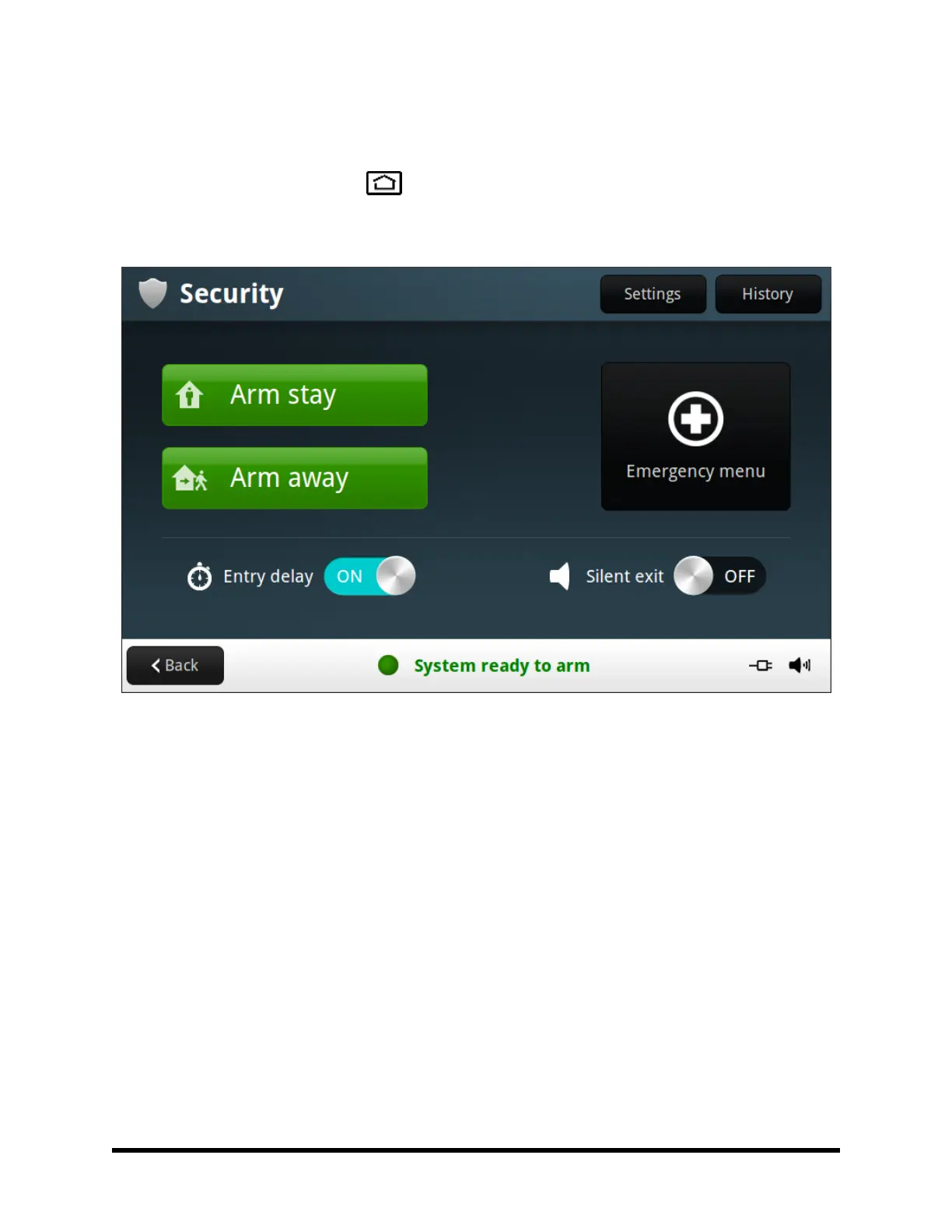
Security Screen
The Security Screen displays buttons for Arm stay and Arm away modes, the Emergency menu, as well as
Security Settings and System History.
The arming buttons are used to arm the security portion of the system.
The optional Entry delay and Silent exit buttons are also displayed. To arm the system without an entry delay,
turn OFF the Entry delay option. To arm the system silently, without sounding the Exit Delay beeps, turn ON the
Silent exit option. (NOTE: Stay Mode arming always has a silent exit.)
If messages, alarms, or trouble alerts are pending, buttons display indicating the number of pending messages
or issues.
Press the Back button to return to the previous screen.



 To Next Page