Vivint — User Guide
- 13 -
For Pow e r Ou tag e Sta tus:
l
Flashes White during a power outage (while the system is on battery backup power).
l
During a power outage:
l
Flashes Green when all of the sensors are closed, and the system is ready to arm.
l
Flashes Orange when any sensor is open, and the system is NOT ready to arm.
l
Flashes Red while the system is armed (in either Stay or Away mode).
Main Display Screens
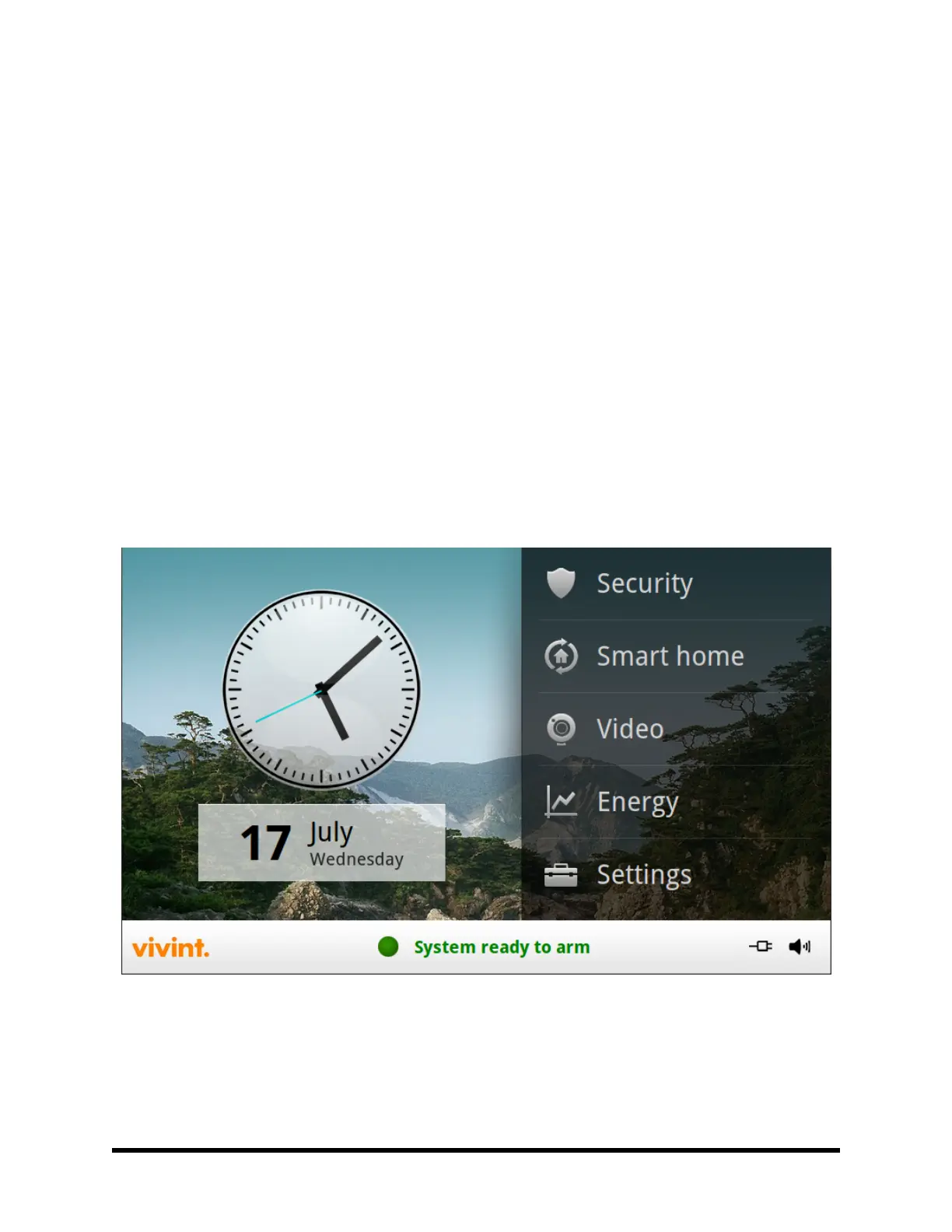
The Control Panel is configured and operated using the color touchscreen display. The display shows various
buttons, indicators, and text to guide and inform you.
The status bar at the bottom of the display always shows the current system mode, scrolling text of any pending
alerts, and status icons for AC power, battery backup, and speaker.
Home Screen
The Home Screen shows the system status with icons to indicate system conditions and alerts. It also displays
the time and date. System information scrolls along the bottom of the display.
Any pending alerts, notifications, or messages appear in a pop-up window at the top of the display.



 To Next Page