Vivint — User Guide
- 17 -
System Status Icons
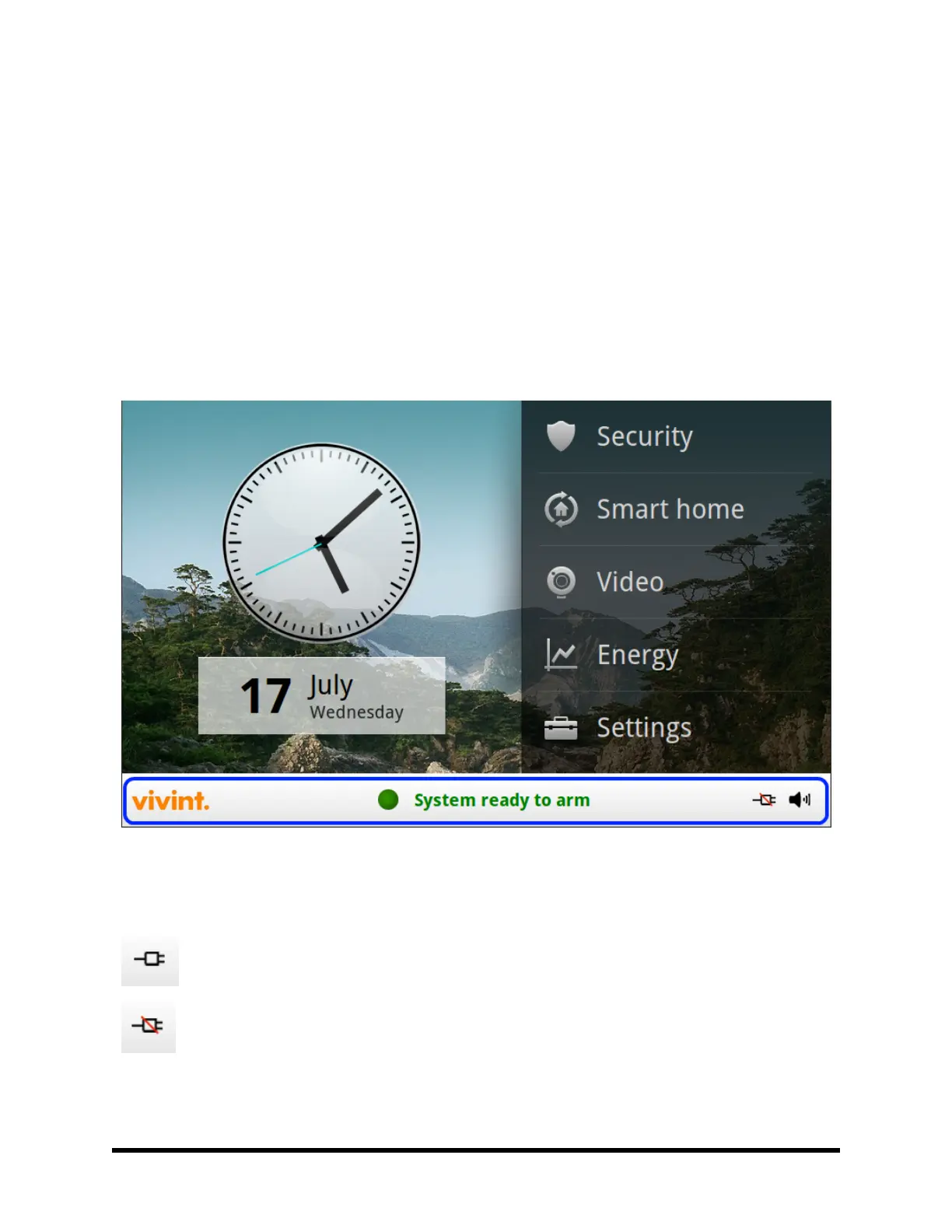
The bottom of the Control Panel display is the status area that shows the following system information:
n
Current system mode
n
Sensor status
n
Current trouble alert text (if any)
Additionally, special icons are used to visually show your system’s current condition.
Status Icon Area
The status area of the panel display is highlighted in blue below.
AC Power Icon
The AC power icon displays whether the Control Panel is receiving AC line power or not.



 To Next Page