Vivint — User Guide
- 40 -
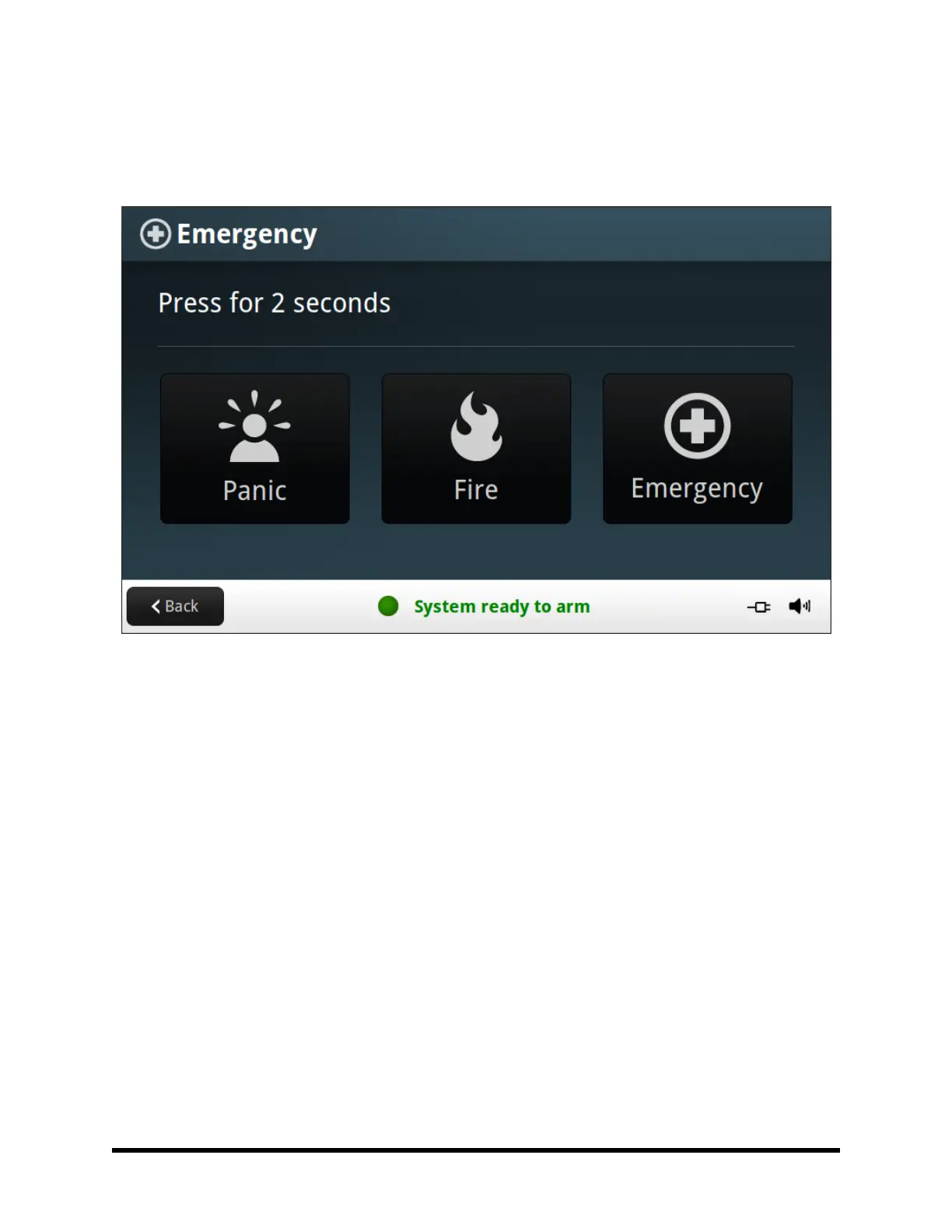
ever, no emergency functions are available, an information screen displays. To see which emergency functions
are available on your system, press the button.
In the event of an emergency, press and hold the emergency button for at least 2 seconds to activate the alarm.
Panic
The panic (or police) button sends an immediate panic report to the Central Station. During installation, the
installer either set the system to sound the siren when the button is pressed, or to not sound the siren, but to trig-
ger a silent alarm.
Fire
The Fire button send an immediate fire report to the Central Station. The Control Panel sounds the fire alarm
when the button is pressed.
Emergency
The emergency button sends an immediate report to the Central Station. The Control Panel sounds the siren
when the emergency button is pressed.



 To Next Page