Vivint — User Guide
- 55 -
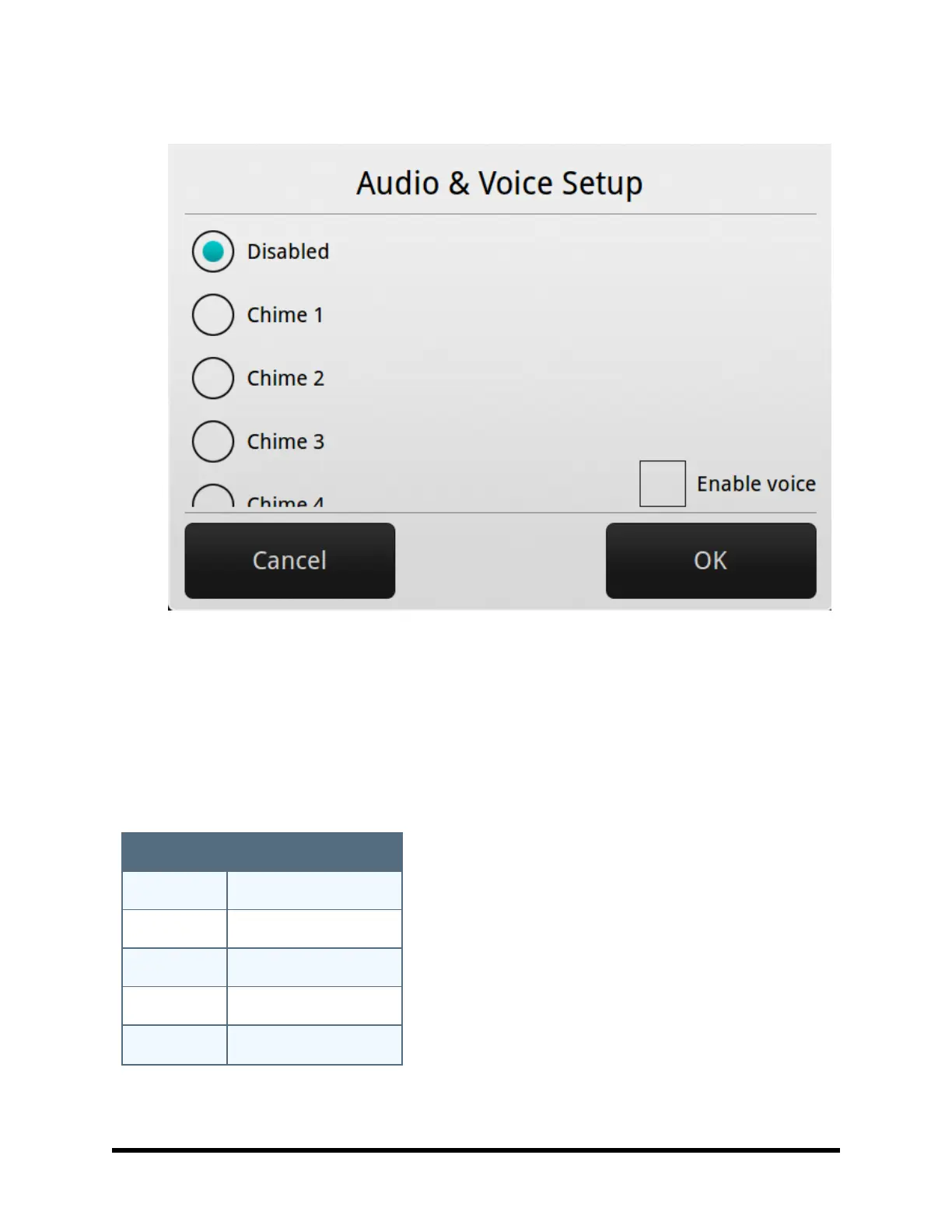
4. Select the chime option that you want for the sensor (see the list of chime options below).
5. At the Menu Screen, press Toolbox.
6. At the Master User Code to access the toolbox.
7. At the Toolbox Screen (1 of 3), press Chime Setup. The Chime Setup Screen displays each of the
installed sensors that can chime and the option currently set for the sensor. To change the sensor’s
chime options, press the sensor button. TIP: There are 14 chime options for each sensor.
8. Check the option that you want for the sensor, and then press OK.
9. When you are finished, press Back.
Chime Options
Chime Option Description
Disabled No chime
Chime 1 Voice only
Chime 2 Ding-dong #1
Chime 3 Ding‐dong with Voice #1
Chime 4 Ding‐dong #2



 To Next Page