16
and your Lock Code is required to be entered in order to launch that App.
‘OFF’ indicates that the selected App will automatically launch (without
entering a Lock Code). If you would like to quickly activate all Apps with the
Parental Control Lock you can touch Select All.
Once you have selected the Apps that you would like to include the Parental
Code Lock, touch Finish Setup to complete the Parental Control Setup.
Note: An email notification will be sent to your Google Account with your
name and Parental Control Lock Code.
Theme Manager
The Theme Manager is a special feature that allows your tablet to change
into your favorite character with a Theme App Card (sold separately). You can add
as many Themes as you like from a large catalog of characters such as Hello Kitty,
My Little Pony, Monster High, Barbie, Hot Wheels, WWE and many more.
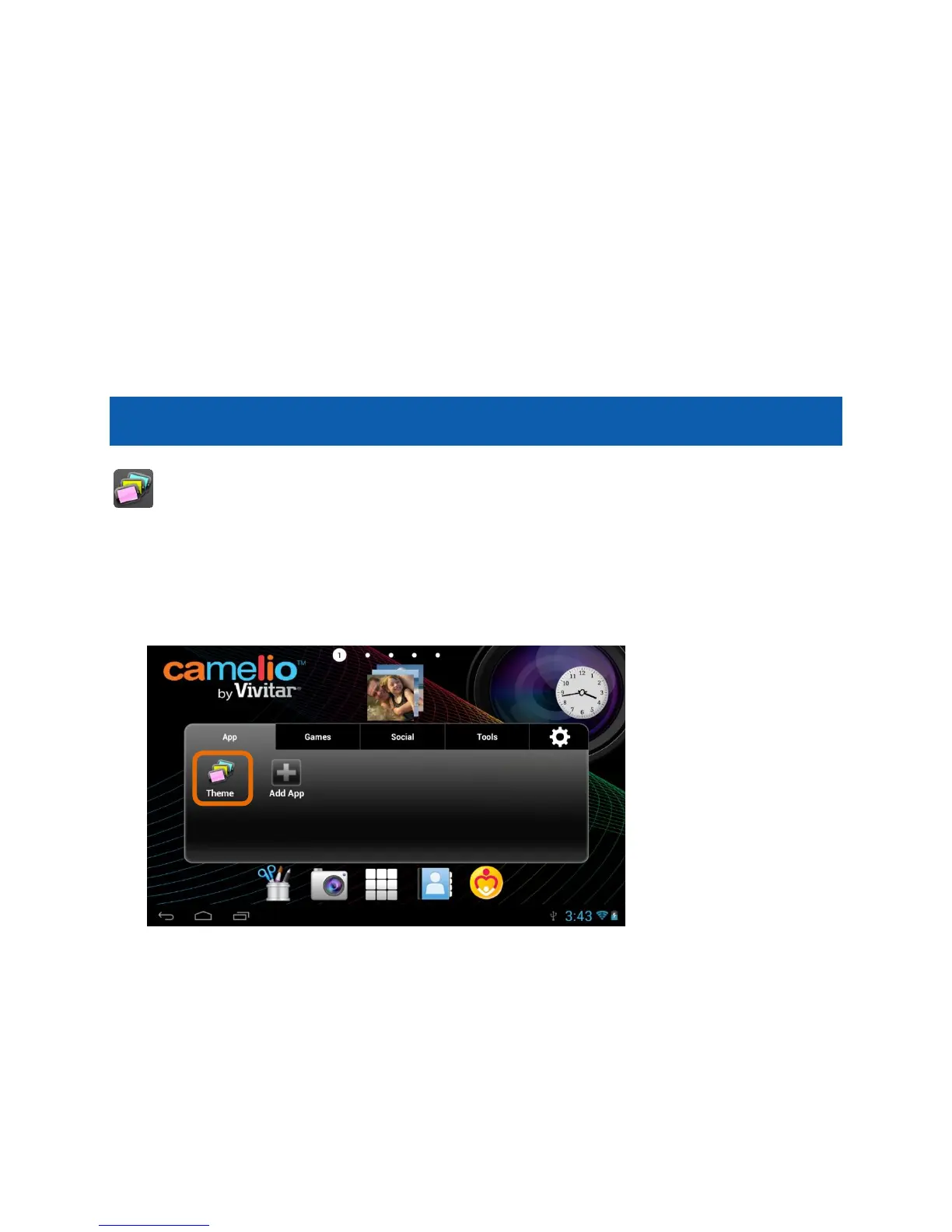
1. Launch the Theme Manager:
To open the Theme Manager App, touch the Theme Manager app shortcut
icon on the Tabbed Apps Manager.



 To Next Page