19
Formatting an SD memory card
Format an SD memory card before its initial usage.
1. Turn on the power by pressing and hold the button.
If you want to access [Setup] menu from the [Image/Movie] / [MP3] / [Voice]
mode, first press the MODE button twice to go to [Select Mode] to select
one of the mode with the zoom lever, and press the button.
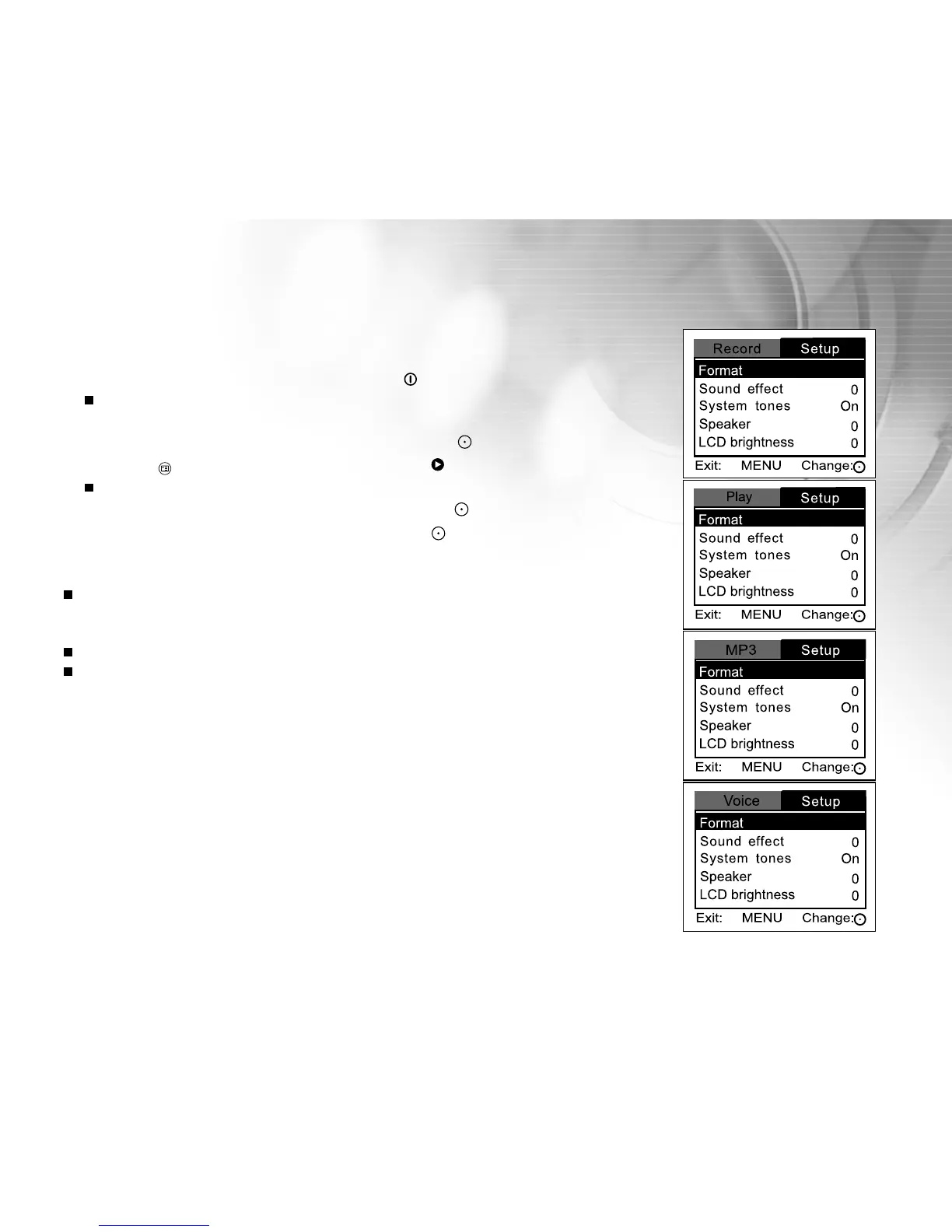
2. Press the button, and select [Setup] with the button.
[Setup] menu is displayed on the screen.
3. Select [Format] with the zoom lever, and press the button.
4. Select [Yes] with the zoom lever, and press the button.
Note:
Formatting an SD memory card erases all images, videos, audio recording, and
MP3 files. Even protected images will be erased. All data including non-camera
data will be erased.
Before formatting your card, make sure that all the images are unnecessary.
Formatting is an irreversible action and data cannot be recovered at a later time.



 To Next Page