38
E
F
S
G
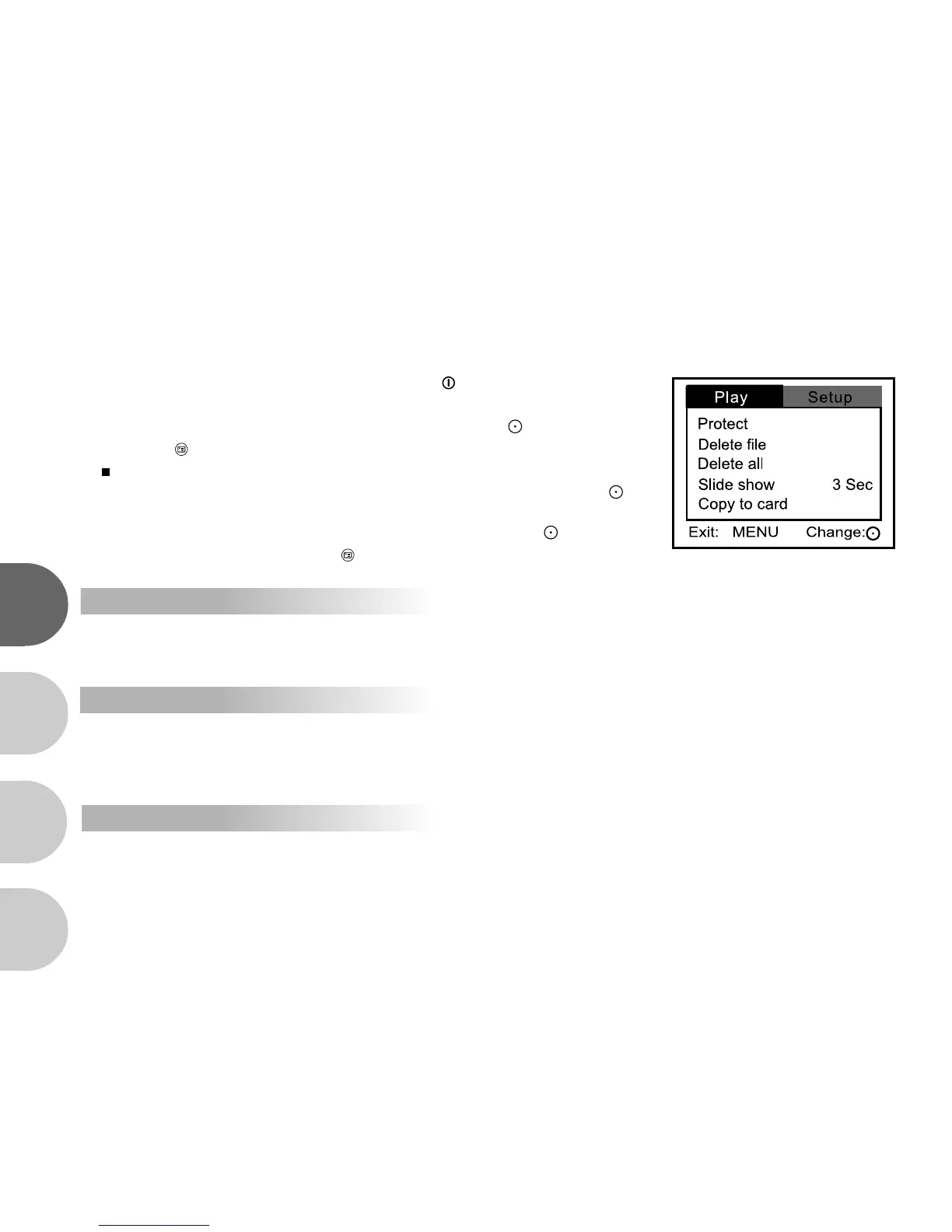
Playback menu
This menu sets which adjusts settings used for playback.
1. Turn on the power by pressing and holding the button.
2. Press the MODE button twice to go to [Select Mode].
3. Select [Image/Movie] with the zoom lever and press the button.
4. Press the button.
[Play] menu is displayed on the screen.
5. Select the desired [Play] option item with the zoom lever, and press the
button.
6. Select the desired setting with the zoom lever, and press the button.
7. To exit from the menu, press the button.
Protect
Protects images or videos to prevent accidental erasure.
Refer to section in this manual titled “Protecting still images/video clips” for further details.
Delete file
Delete the current file
[No]: Disable deletion
[Yes]: Enable deletion
Delete all
Delete all files.
[No]: Disable deletion
[Yes]: Enable deletion



 To Next Page