35
MENU OPTIONS
Record menu
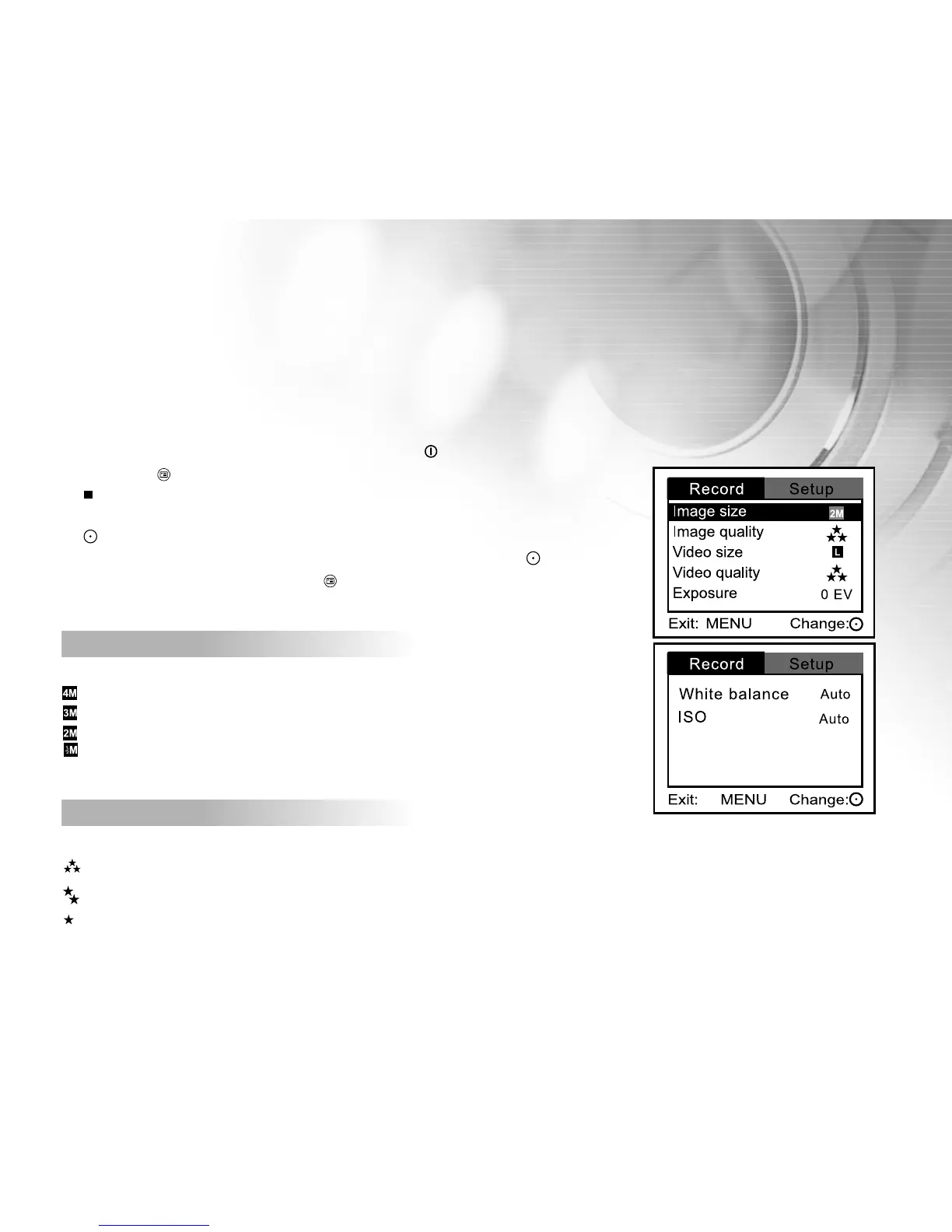
This menu is for adjusting settings to be used when capturing still images/video clips .
1. Turn on the power by pressing and holding the button.
2. Press the button.
[Record] menu is displayed on the screen.
3. Select the desired [Record] option item with the zoom lever, and press the
button.
4. Select the desired setting with the zoom lever, and press the button.
5. To exit from the menu, press the button.
Image size
This sets the size of the still image that will be captured.
: 2304 x 1728 (using hardware interpolation)
: 2048 x 1536 (using hardware interpolation)
: 1600 x 1200 (native resolution)
: 800 x 600
Image quality
This sets the quality (compression rate) at which the still image is captured.
: Super fine
: Fine
: Normal



 To Next Page