31
Deleting still images/video clips
1. Turn on the power by pressing and holding the button.
2. Press the MODE button twice to go to [Select Mode].
3. Select [Image/Movie] with the zoom lever and press the button.
4. Select the still image/video clip that you want to erase with the zoom
lever.
You may select the still image/ video clip that you want to erase from
the thumbnail display.
5. Press the button.
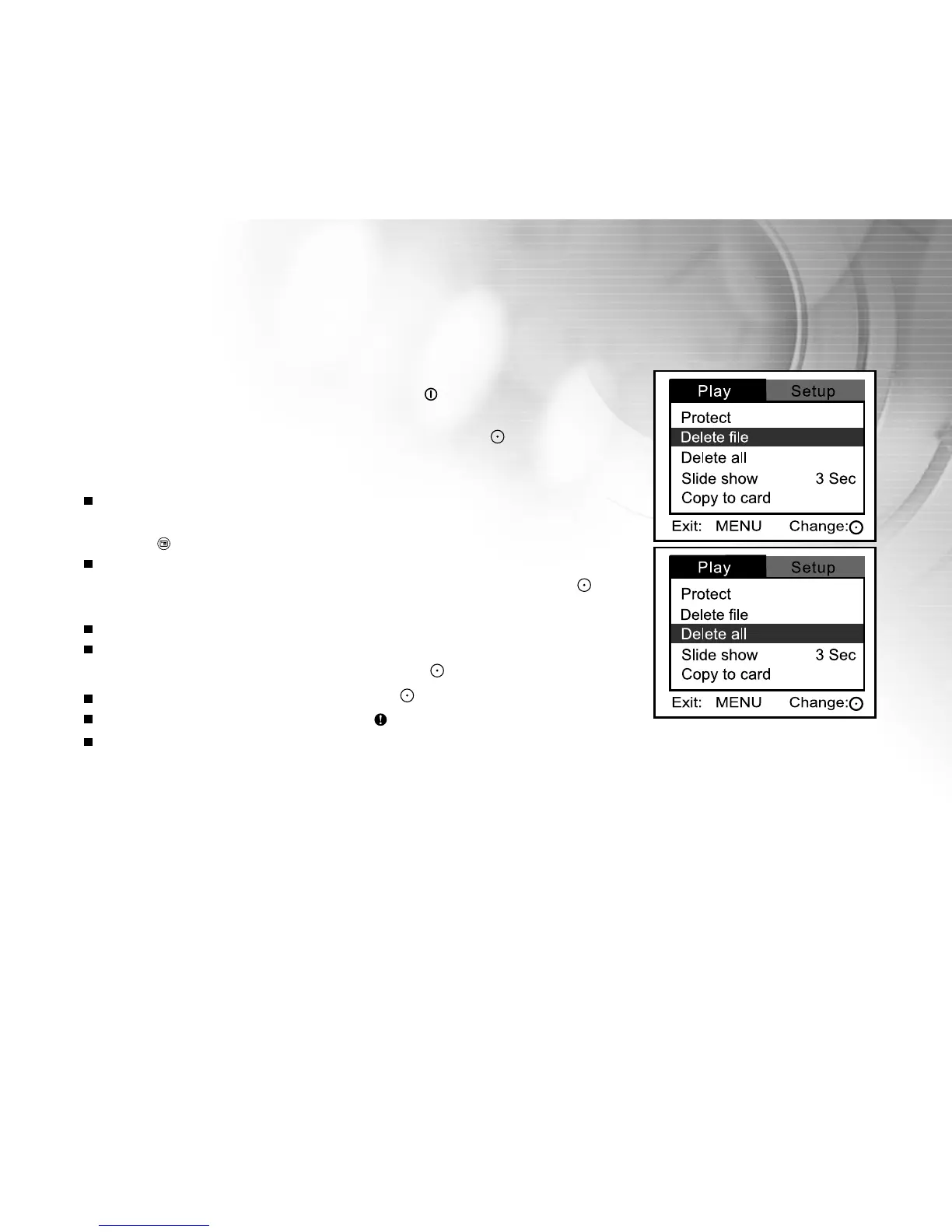
[Play] menu is displayed.
6. Select [Delete file] or [Delete all] with the zoom lever, and press the
button.
Delete file: Delete the current still image/video clip.
Delete all: Delete all still images/video clips.
7. Select [Yes] with the zoom lever, and press the button.
To not delete, select [No], and press the button.
If all video clips/images are deleted, [ No images!] pops up.
If you want to turn back to the photography mode, press the MODE
button.
MP



 To Next Page