52
E
F
S
G
INSTALLING PHOTOVISTA
PC users will find that PhotoVista is an easy-to-use program that lets you create spectacular 360 degree panoramic
images in a snap. When you view these panoramas, you get the experience of being totally immersed in a realistic
environment. PhotoVista's powerful engine quickly and automatically stitches images together, and its intuitive
interface will let even a novice get great results in minutes.
To install PhotoVista:
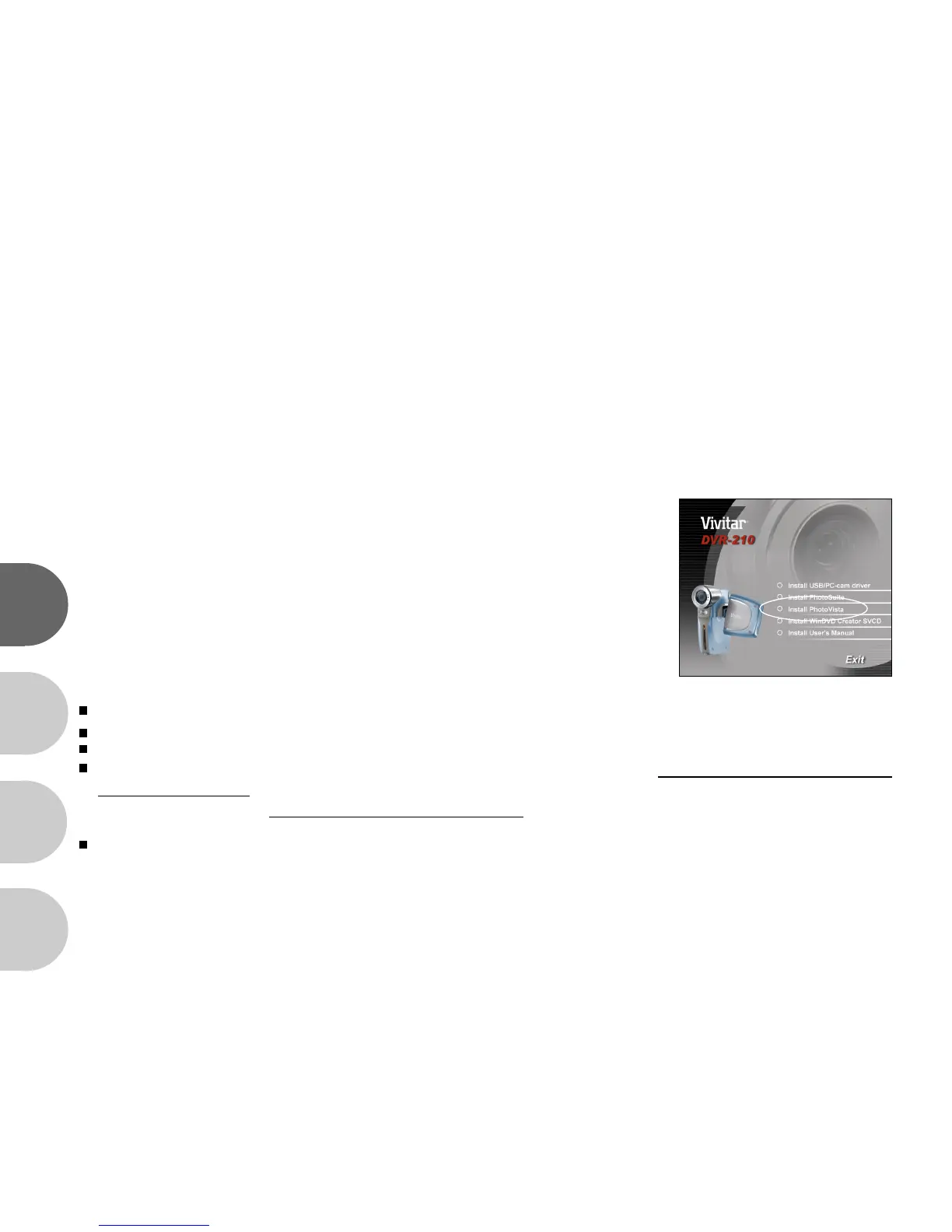
1. Insert the CD-ROM that came with the DVR-210 into your CD-ROM drive.
The welcome screen appears.
2. Click "Install PhotoVista". Follow the onscreen instructions to complete
the installation.
Note:
To use PhotoVista to create spectacular 360 degrees panoramic images, please refer to the on-line help for this software.
For Windows 2000/XP users, please make sure to install and use the PhotoVista in Administrator" mode.
PhotoVista is not supported on the Mac.
Windows XP users who have not installed XP Service Pack 1, be sure to link to http://www.java.com/en/download/
windows_automatic.jsp first and download the Java Virtual Machine installation. For more information about Java, please
refer to its on-line help at http://java.sun.com/getjava/help.html After this Java installation, you can install iSee Media
PhotoVista.
PhotoVista System Requirements are:
* Windows 98, Windows NT 4 (Service Pack 3 or higher)
* Windows 2000, Windows Me, Windows XP (Service Pack 1 or higher)



 To Next Page