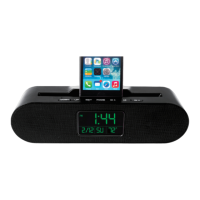
Using Your Speaker: Setting the Alarm Clock
1. Press the MODE button repeatedly until the symbol “AL” is displayed in the upper right hand
corner of the display screen.
2. Press the SET button to enter the alarm setting mode.
3. Press the DOWN or UP buttons to increase or decrease a setting. Press the SET button to
confirm a setting and move to the next setting.
4. In the alarm settings mode you can adjust the alarm time (hour and minute), snooze interval (1
to 60 minutes), and alarm sound (choose among 7 tones).
.



 To Next Page