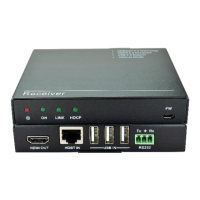
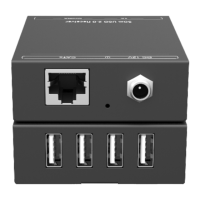
6. System Connection
Usage Precautions:
⚫ Make sure all components and accessories included before installation.
⚫ System should be installed in a clean environment with proper temperature and
humidity.
⚫ All of the power switches, plugs, sockets, and power cords should be insulated and
safe.
⚫ All devices should be connected before power on.
There are four connection ways can be chosen via audio mode switch.
The audio signal is transmitted from the display
back to HDMI IN and AUDIO OUT ports.
The audio signal is transmitted from the AUDIO
IN to HDMI IN and AUDIO OUT ports.
The audio signal is transmitted from the display
back to the AUDIO OUT port.
The audio signal is transmitted from the AUDIO
IN to the AUDIO OUT port.
Note: When the switch status is set as mode 1,2 or 3, the amplifier, display must
support ARC.


 To Next Page
 Loading...