VIVOTEK
User's Manual - 49
Color: Select to display color or black/white video streams.
Power line frequency: Set the power line frequency consistent with local utility settings to eliminate image
ickering associated with uorescent lights.
Video orientation: Flip - vertically reflect the display of the live video; Mirror - horizontally reflect the
display of the live video. Select both options if the Network Camera is installed upside-down (e.g., on the
ceiling) to correct the image orientation. Please note that the preset locations will be cleared after you
congure the ip/mirror option.
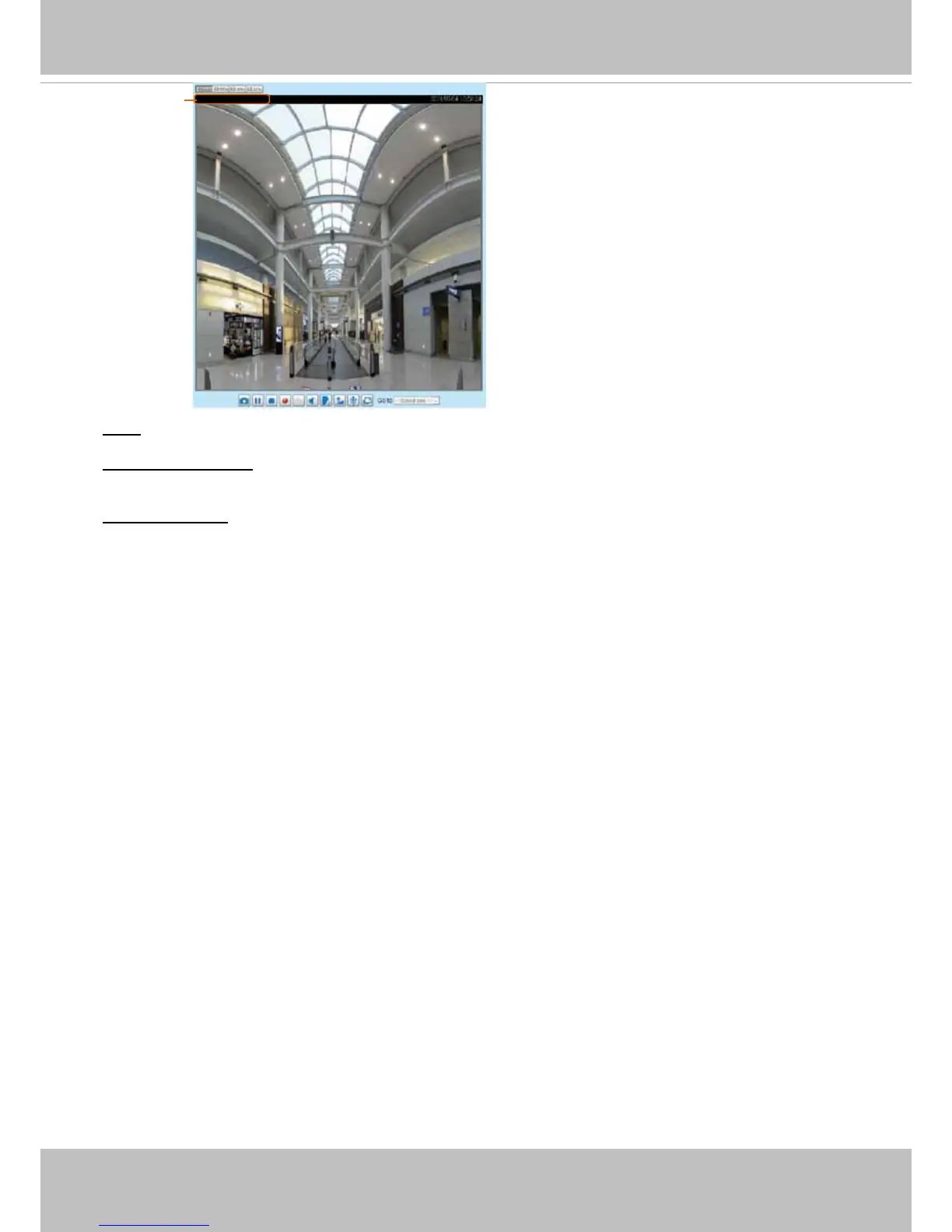
2011/03/13 17:08:56
Video 17:08:56 2011/03/13
Video Title and Time


 To Next Page