VIVOTEK
30 - User's Manual
The onscreen Java control can malfunction under the following situations: A PC connects to
different cameras that are using the same IP address (or the same camera running different
rmware versions). Removing your browser cookies will solve this problem.
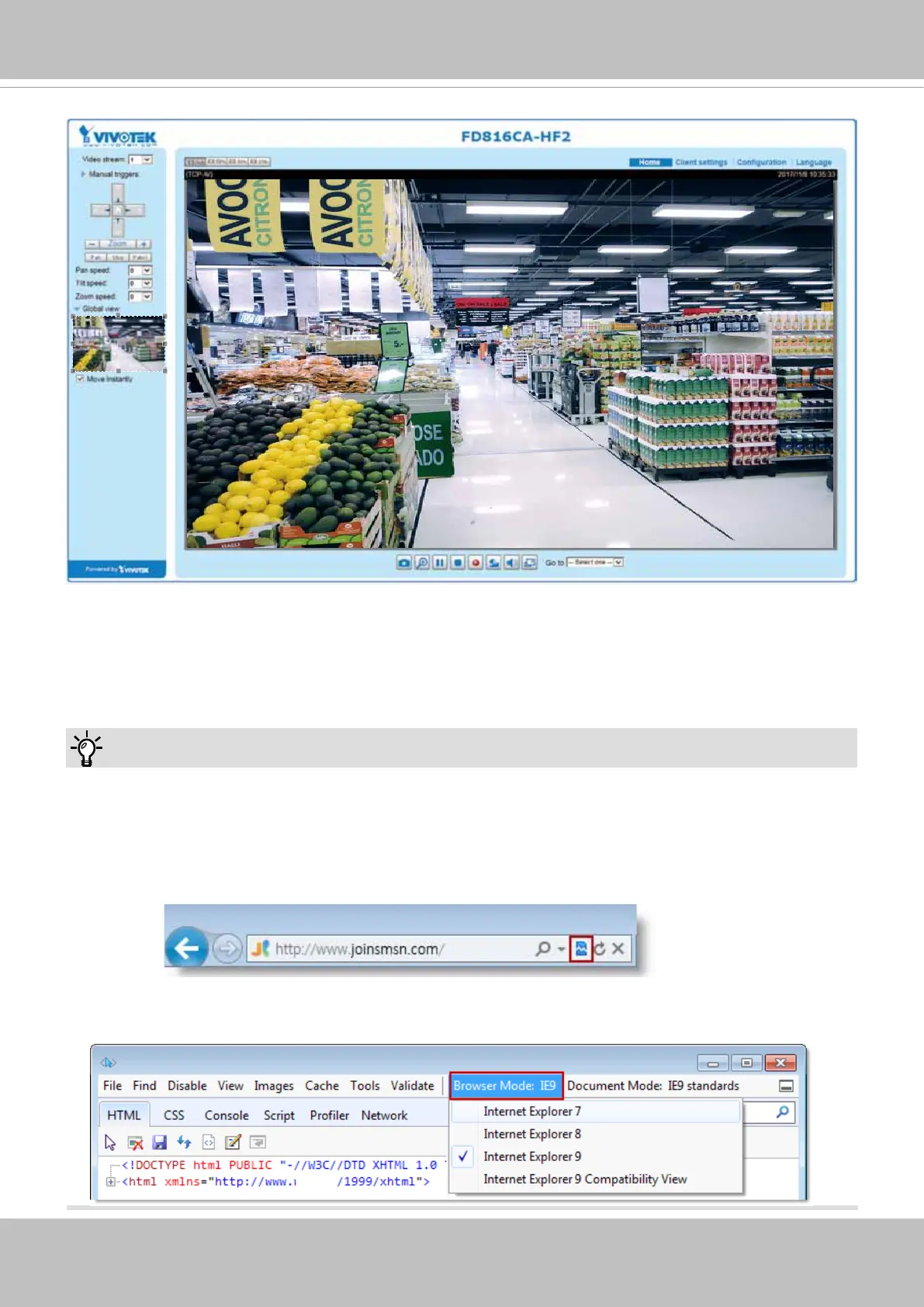
If you encounter problems with displaying the conguration menus or UI items, try disable the
Compatibility View on IE8 or IE9.
You may also press the F12 key to open the developer tools utility, and then change the Browser
Mode to the genuine IE8 or IE9 mode.
Tips:



 To Next Page