VIVOTEK
50 - User's Manual
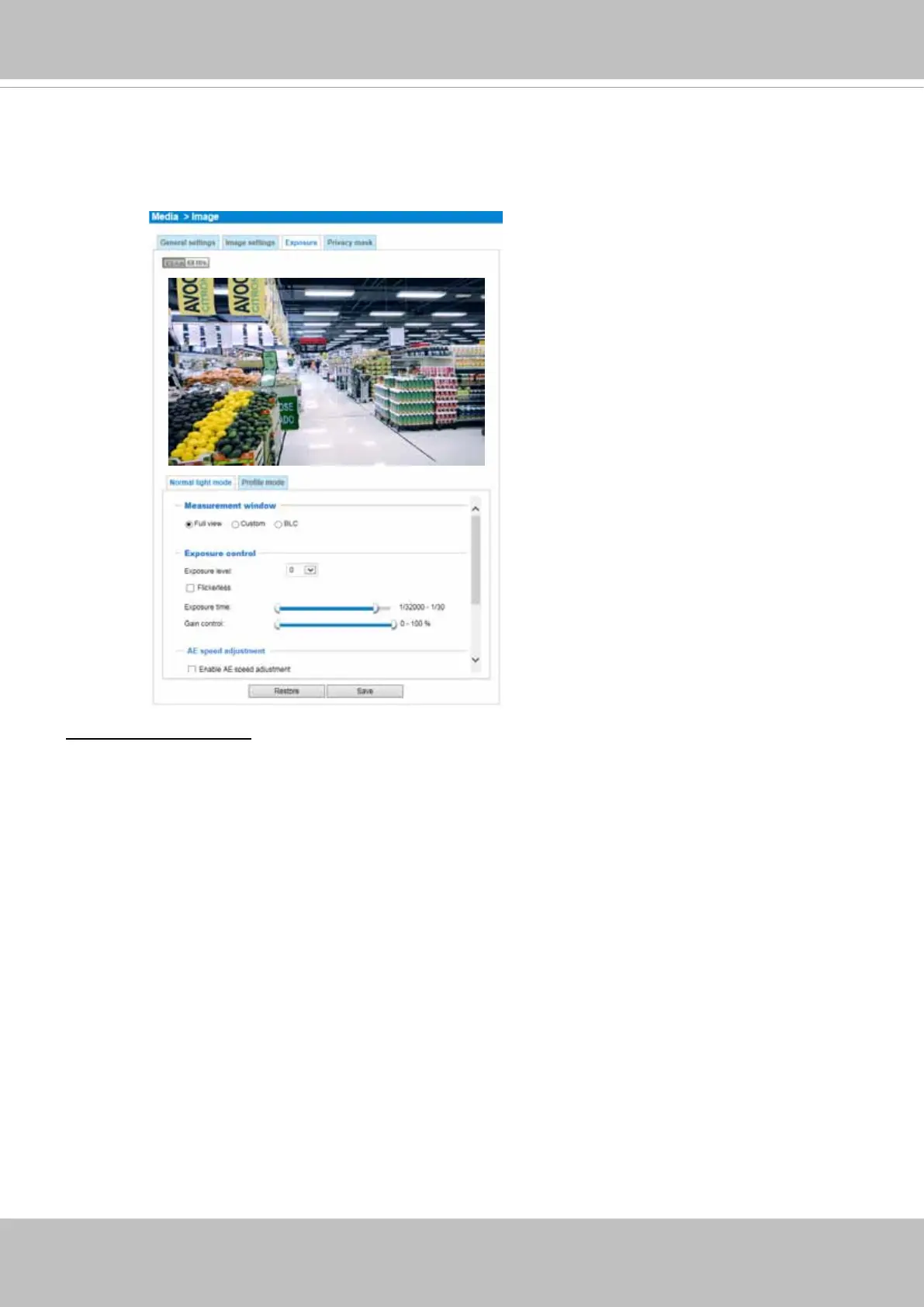
Exposure
On this page, you can set the Exposure measurement window, Exposure level, Exposure mode,
Exposure time, Gain control, and Day/Night mode settings.
M
easurement Window: This function allows users to set measurement window(s) for low light
compensation. For example, where low-light objects are posed against an extremely bright background.
You may want to exclude the bright sunlight shining through a building's corridor.
■ Full view: Calculate the full range of view and offer appropriate
light compensation.
■ Custom: This option allows you to manually add customized windows as inclusive or exclusive regions.
A total of 10 windows can be congured. Please refer to the next page for detailed illustration.



 To Next Page