VIVOTEK
User's Manual - 55
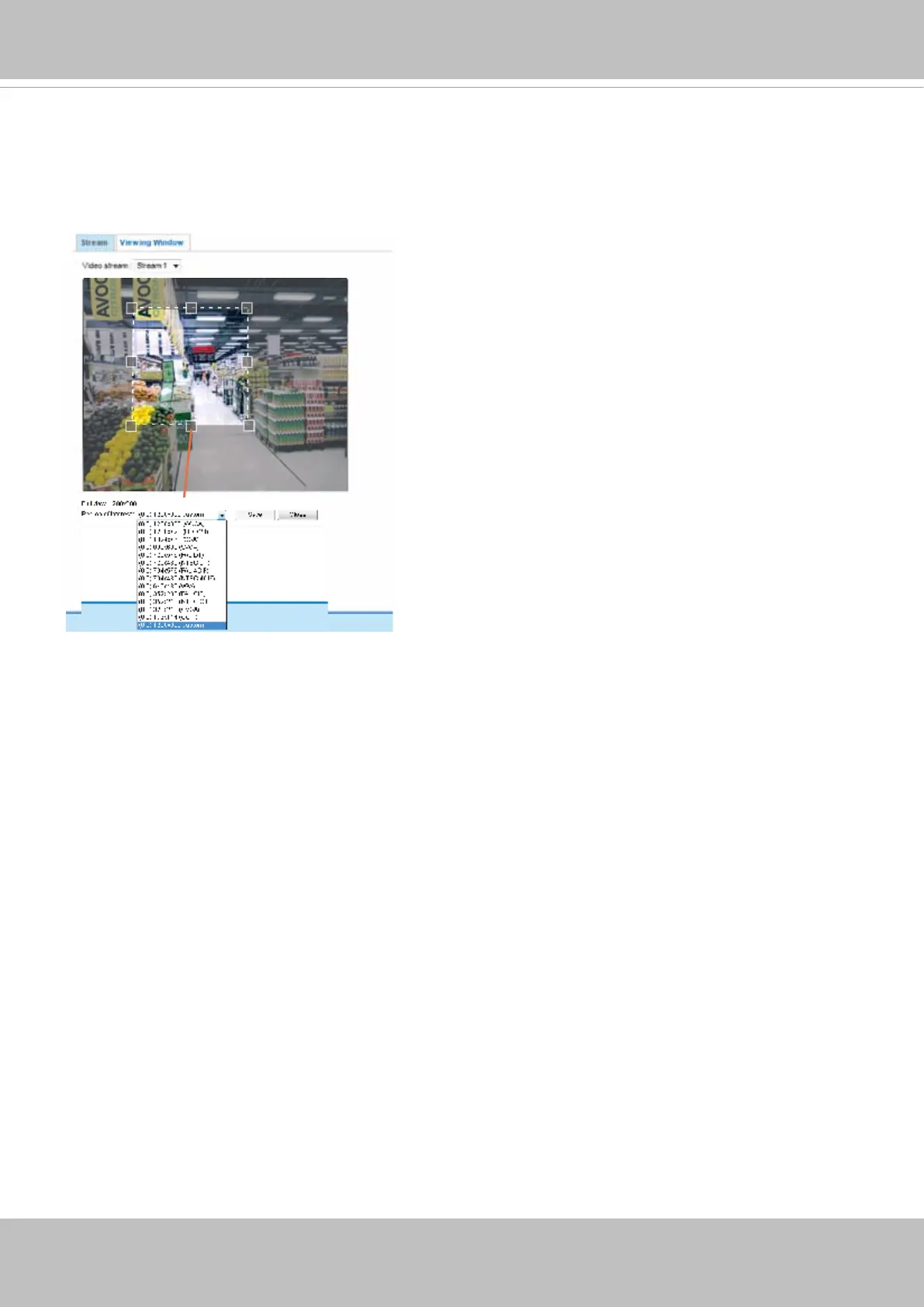
Click Viewing Window to open the viewing region settings page. On this page, you can set the Region
of Interest and the Output Frame Size for stream 1. If you prefer not to stream the full image the sensor
can capture, you can designate a smaller region of interest.
Please follow the steps below to set up those settings for a stream:
1. Select a stream for which you want to set up the viewing region.
2. Select a Region of Interest from the drop-down list. The oating frame, the same as the one in the
Gloabl View window on the home page, will resize accordingly. If you want to set up a customized
viewing region, you can also resize and drag the oating frame to a desired position with your mouse.
3. Choose a proper Output Frame Size from the drop-down list according to the size of your monitoring
device.
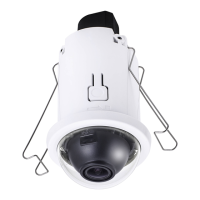
The Viewing Window (Video Crop) function is only available on the xed-focal camera (FD816CA-HF2).



 To Next Page