VIVOTEK
10 - User's Manual
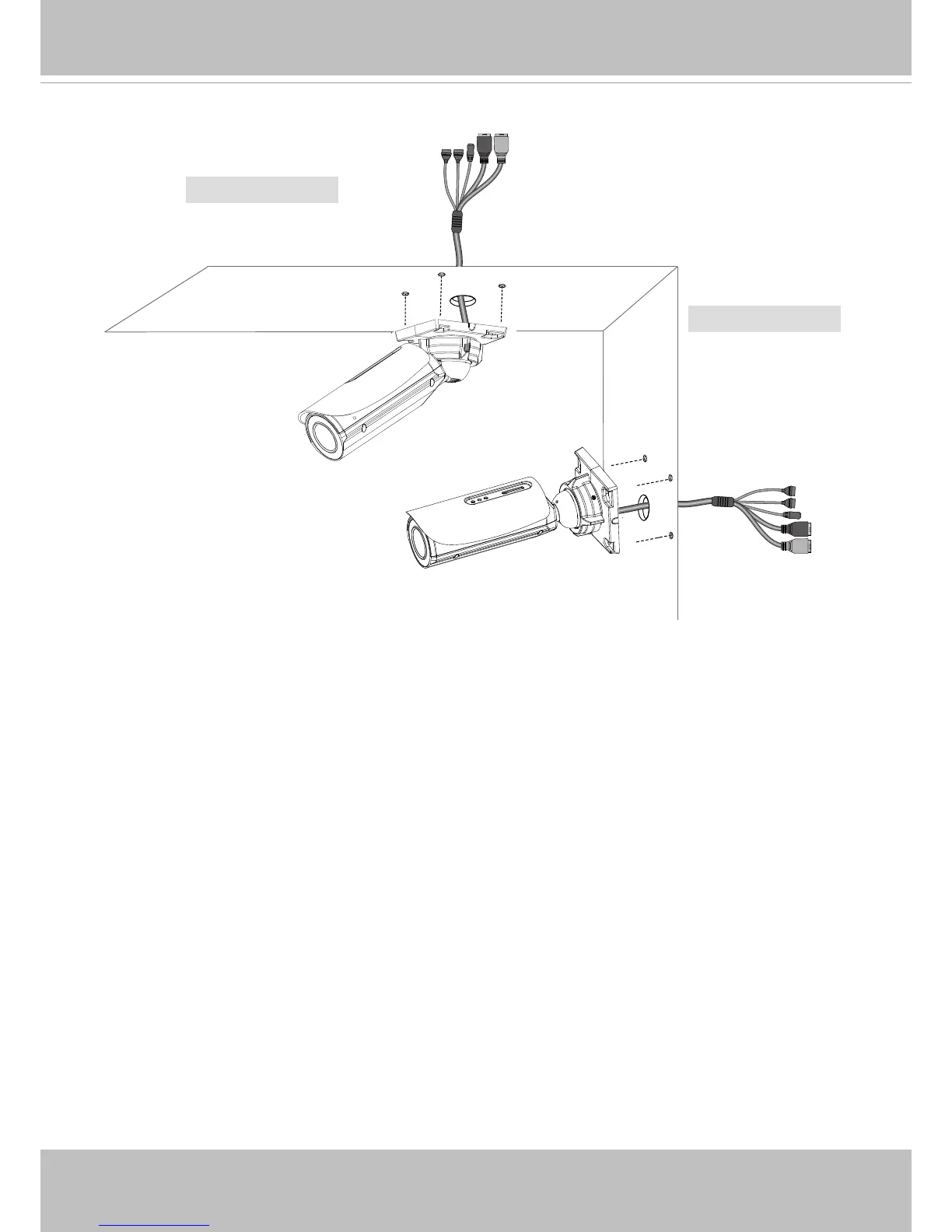
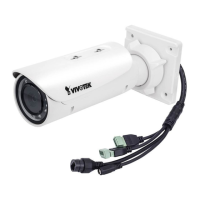
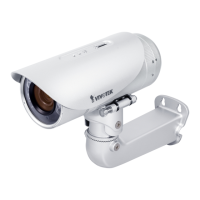
Wall Mount
3. Secure the Network Camera to a wall or ceiling.
Ceiling Mount
5. Install the "Installation Wizard 2" software utility.
6. The program will search for VIVOTEK Video Receivers, Video Servers or Network Cameras
on the same LAN.
7. Double-click on the camera's MAC address to open a browser management session with the
camera.
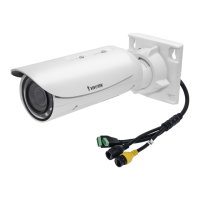
4. Connect the Ethernet and IO wires.


 To Next Page