VIVOTEK
User's Manual - 17
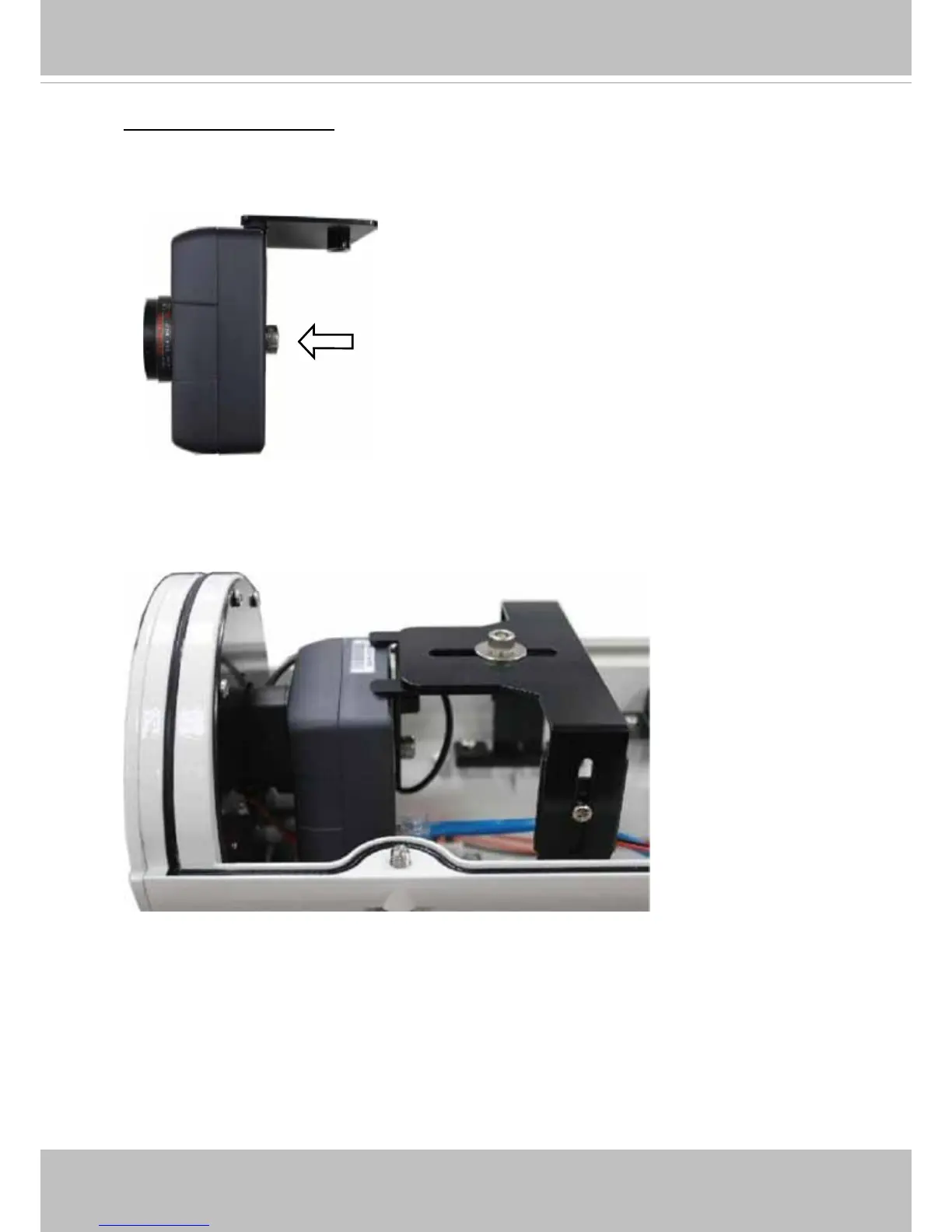
1� Attach the bracket to the back of the camera by resting the foam pads on the top and to
the back of the camera� Secure the bracket by driving a hex socket screw�
Installed into Housing
2� Attach the T-bracket and the camera to the camera bracket� Place the camera lens in
the front as close as possible to the enclosure's tempered glass window� Secure the
installation by tightening the hex socket screw on top�
The camera can be installed into VIVOTEK's housings,
such as the AE-211/-232/-233/-234/-235 series�



 To Next Page