VIVOTEK
User's Manual - 69
Privacy mask
Advanced Mode
Click Privacy Mask to open the settings page. On this page, you can block out certain sensitive zones to
address privacy concerns.
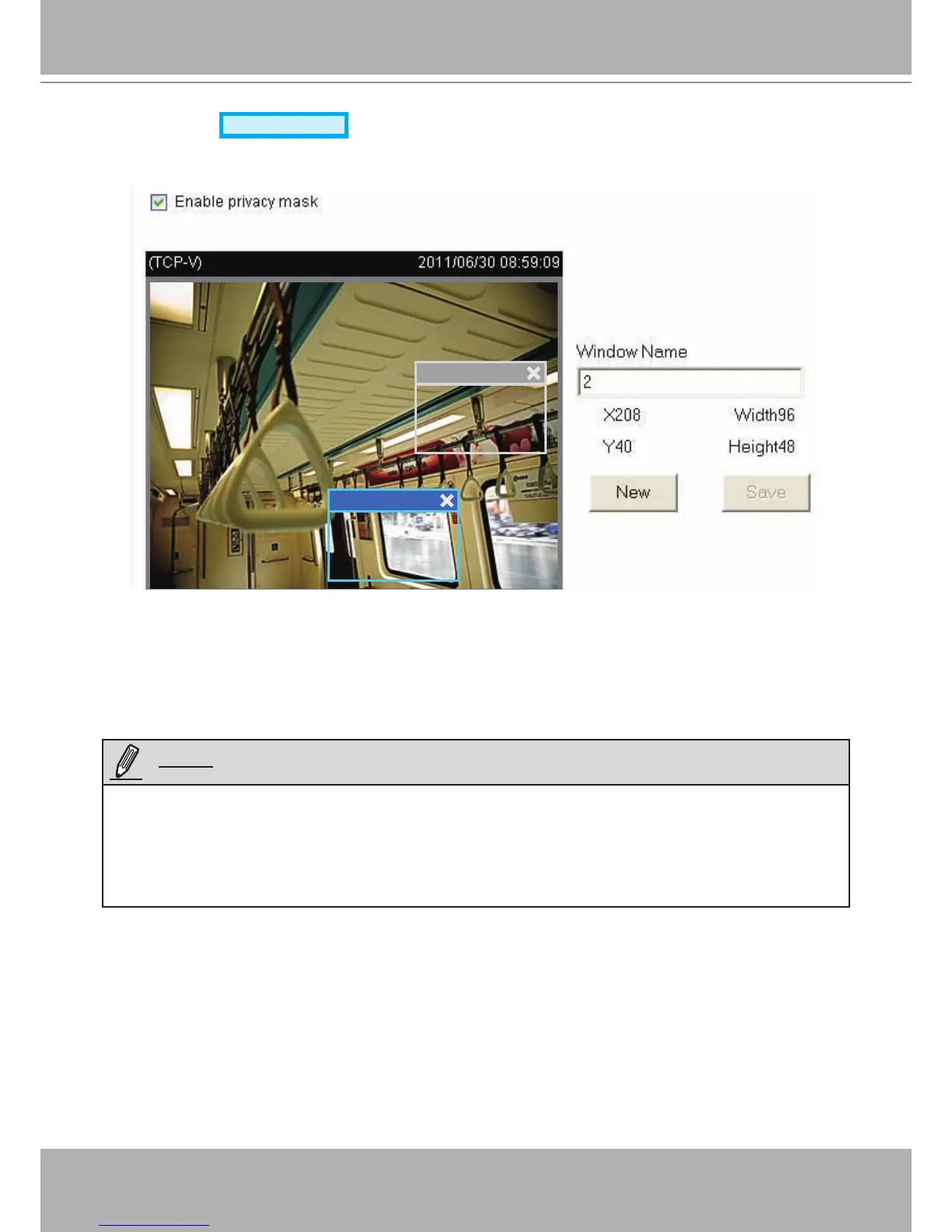
■ To set the privacy mask windows, follow the steps below:
1. Click New to add a new window.
2. Use the mouse to size and drag-drop the window, which is recommended to be at least twice the size
of the object (height and width) you want to cover.
3. Enter a Window Name and click Save to enable the setting.
4. Check Enable privacy mask to enable this function.
►
Up to 5 privacy mask windows can be congured on the same screen.
► If you want to delete a congured
mask
window, click on the ‘X’ button at the upper right corner of the
window.
2
2
1
NOTE:




 To Next Page