EN - 8
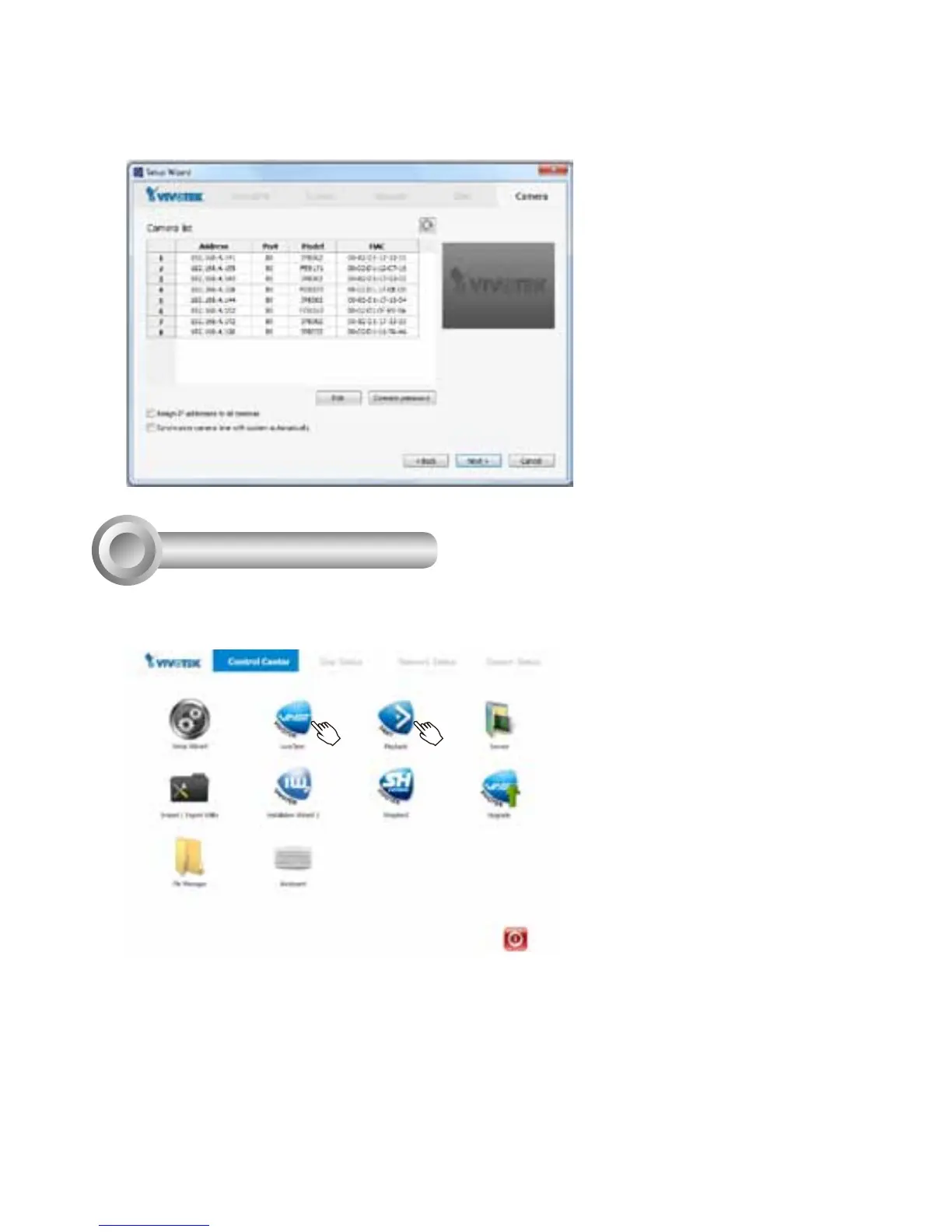
6. On the Camera page, all cameras connected through the local network should appear on
a Camera list after a brief search. You can manually assign IP addresses by clicking on
the cameras' address eld. You can also select the "Assign IP addresses to all cameras"
checkbox and let NVR assign IPs to cameras.
Click Next to end the initial setup.
Make sure you have the cameras'
access credentials in order to
make individual changes.
Ready to Use
6
1. You will then be at the Control Center screen. Double-click on the LiveClient or
Playback buttons to congure live viewing and recording settings.
2. Open the LiveClient utility to change live view layout, camera streaming frame rate,
and other options.



 To Next Page