VIVOTEK
User's Manual - 83
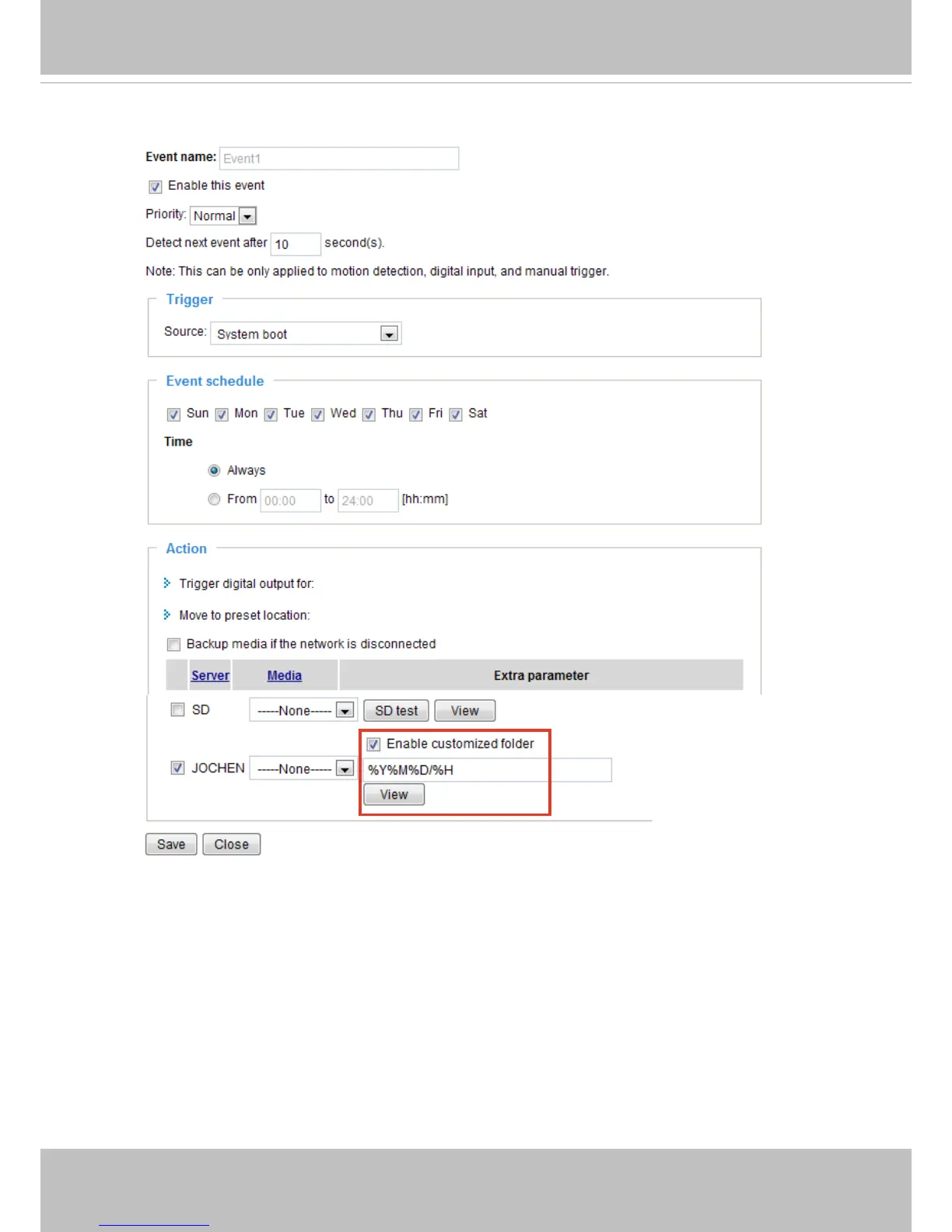
Here is an example of the Event settings page:
When completed, click Save to enable the settings and click Close to exit Event Settings page. The new
Event settings / Server settings / Media settings will appear in the event drop-down list on the Application
page.
SD Test: If you have an SD card, click the button to test the availability. Your camera will display a
message indicating a success or failure. If you want to use your SD card for local storage, please format
it before use. Please refer to page 109 for more information.



 To Next Page