VIVOTEK
84 - User's Manual
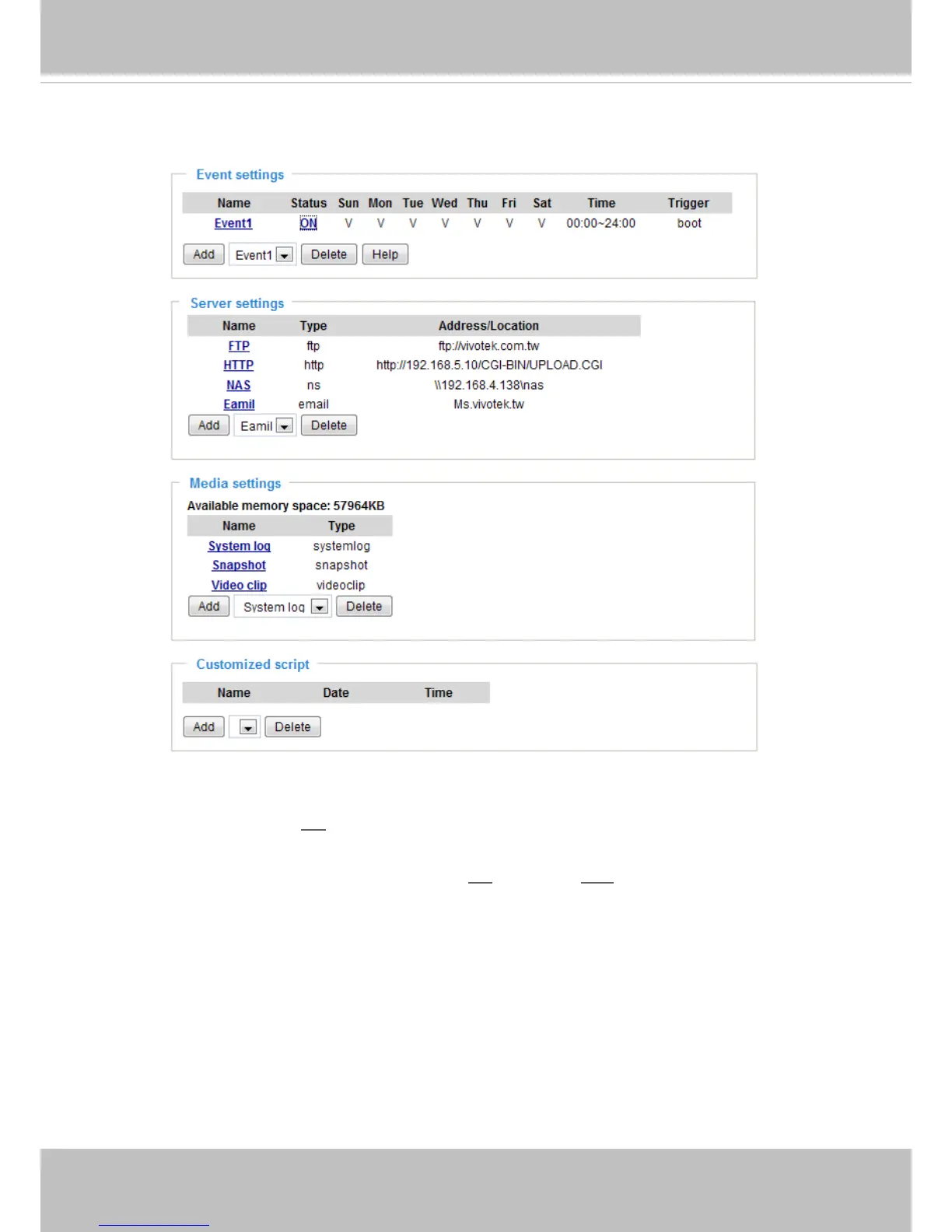
Here is an example of the Application page with an event setting:
When the Event Status is ON, once an event is triggered by motion detection, the video server will
automatically send snapshots via e-mail.
If you want to stop the event trigger, you can click ON to turn it to OFF status or click Delete to remove
the event setting.
To remove a server setting from the list, select a server name from the drop-down list and click Delete.
Note that only when the server setting is not being applied to an event setting can it be deleted.
To remove a media setting from the list, select a media name from the drop-down list and click Delete.
Note that only when the media setting is not being applied to an event setting can it be deleted.



 To Next Page