19
Setting Local Time
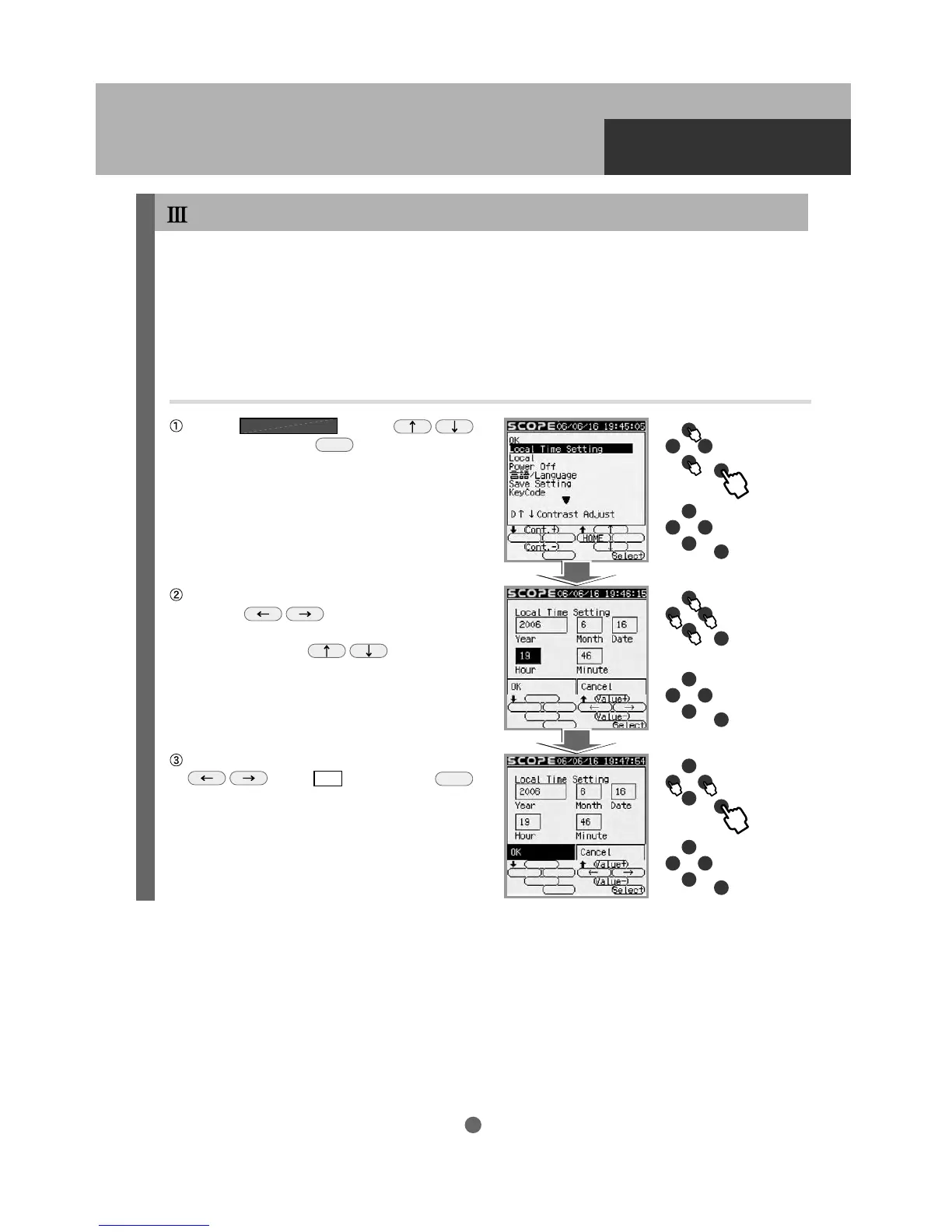
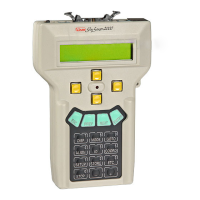
Enter the date and local time of your observing site by using the upper five buttons on the STAR BOOK-S.
This task is required only once the first time you use the STAR BOOK-S. However, you will need to reset
the date and time if you travel from your regular observing site to a different time zone, or if you reset your
clocks for Daylight Saving time. The STAR BOOK-S keeps the stored memory while you replace the
batteries. It is not necessary to enter the date and time again if you put in new batteries within an hour.
A deviation may arise between the internal clock of the STAR BOOK-S and your time, but a few minutes’
difference does not affect the slewing performance of the unit.
Choose
Local Time Setting
with the
keys and press the
Select
key to enter.
To change the date and time, move the cursor
with the keys to the item where
corrections are needed. Then change the
numbers with the keys.
To finish the setting, move the cursor with the
keys to OK and press the
Select
key to enter.
INITIAL SETTING


 To Next Page