English - 22
Stream using VIZIO SmartCast Mobile
™
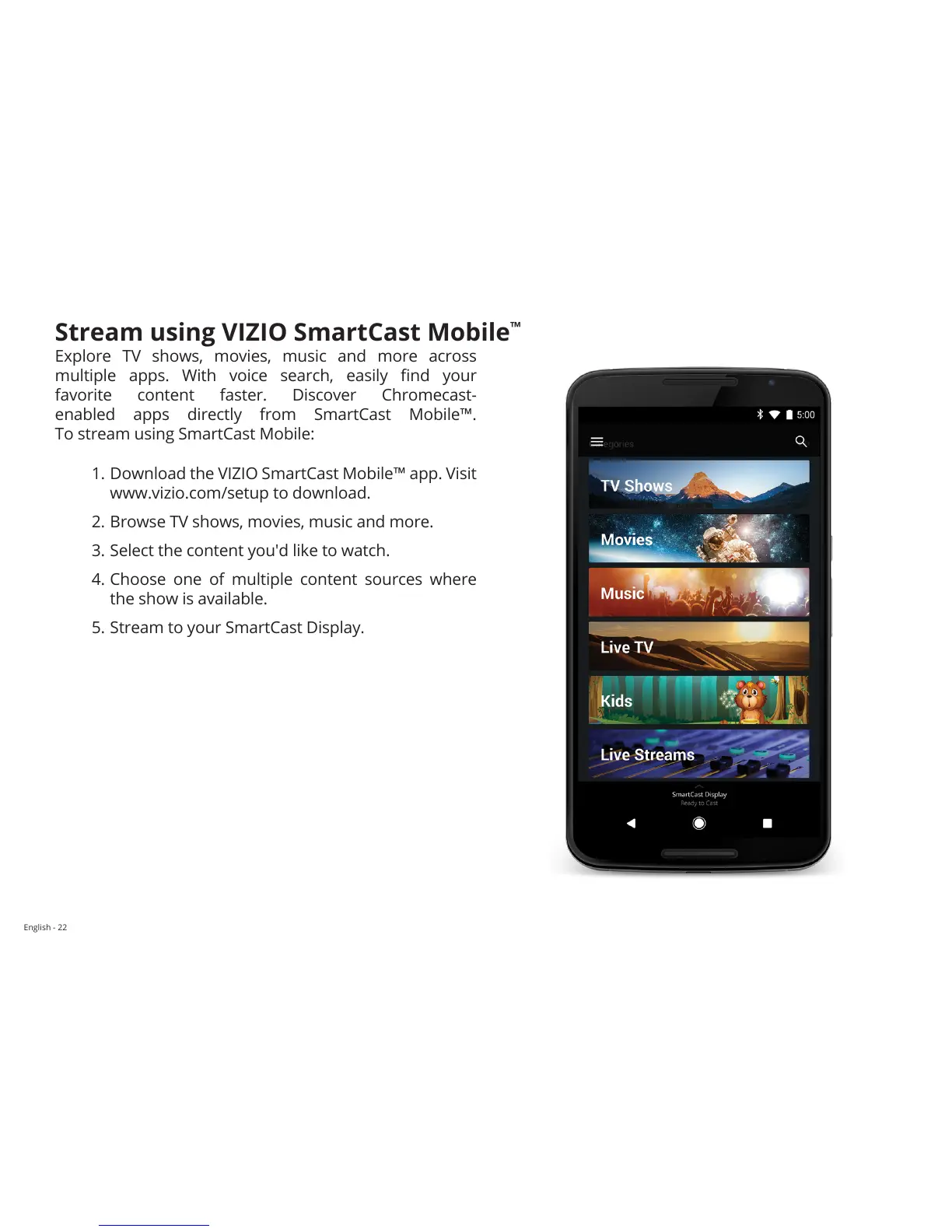
Explore TV shows, movies, music and more across
multiple apps. With voice search, easily nd your
favorite content faster. Discover Chromecast-
enabled apps directly from SmartCast Mobile™.
To stream using SmartCast Mobile:
1. Download the VIZIO SmartCast Mobile™ app. Visit
www.vizio.com/setup to download.
2. Browse TV shows, movies, music and more.
3. Select the content you'd like to watch.
4. Choose one of multiple content sources where
the show is available.
5. Stream to your SmartCast Display.


 To Next Page