2
11
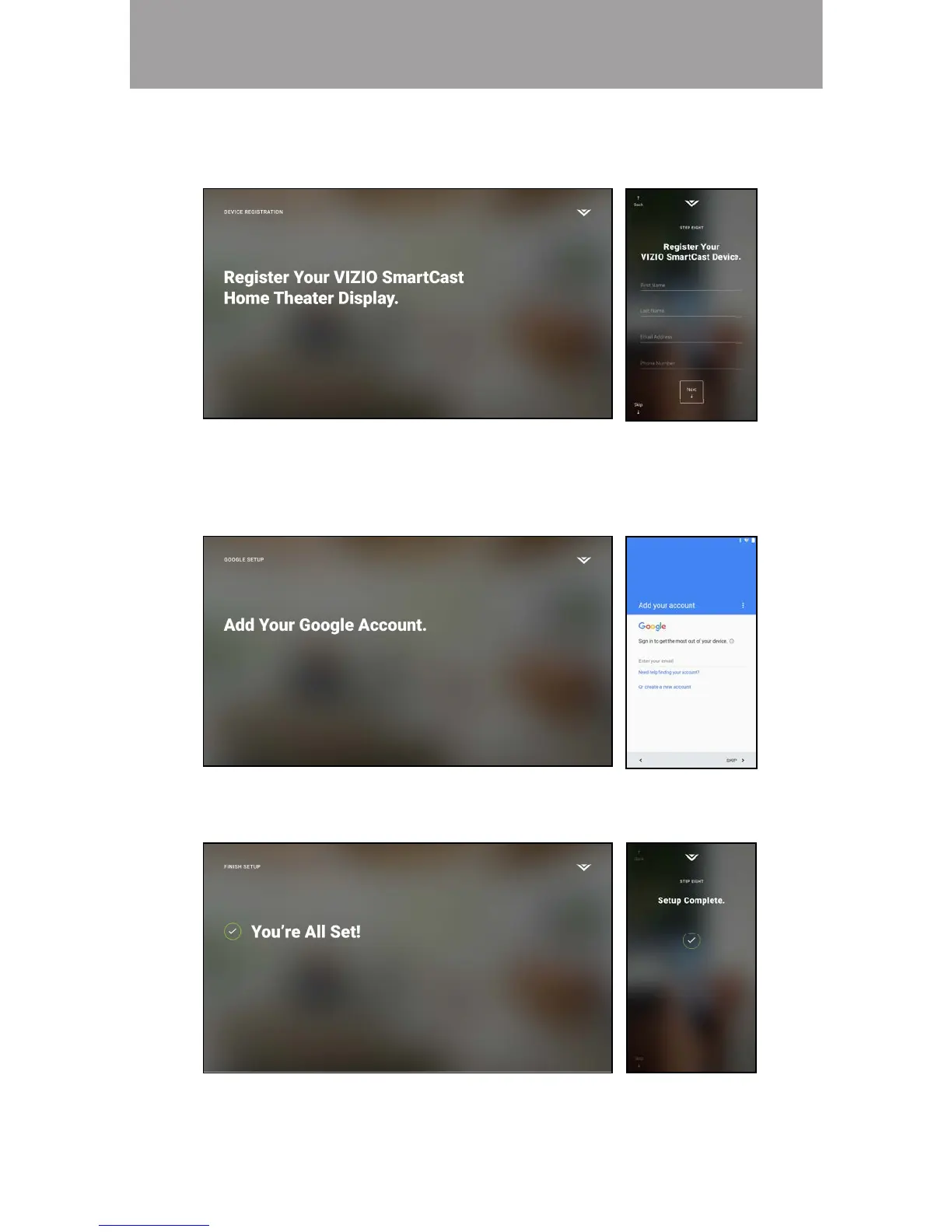
7. Use your device to register your E-Series TV. If you do not wish to register,
tap Skip in the lower left corner.
8. Use your device to sign into your existing Google account. If you do not
have one, tap Or create a new account to create a new account. Follow
the on-screen instructions to complete the First-Time Setup.
9. The First-Time setup is complete. The VIZIO SmartCast
™
App is displayed.
Note: The images shown here are for illustrative purposes only and may be subject to change. The actual on-screen image and text may vary, depending on the model.
Note: If the TV requires a Channel Scan or Update, you will be prompted during
the First-Time setup.



 To Next Page